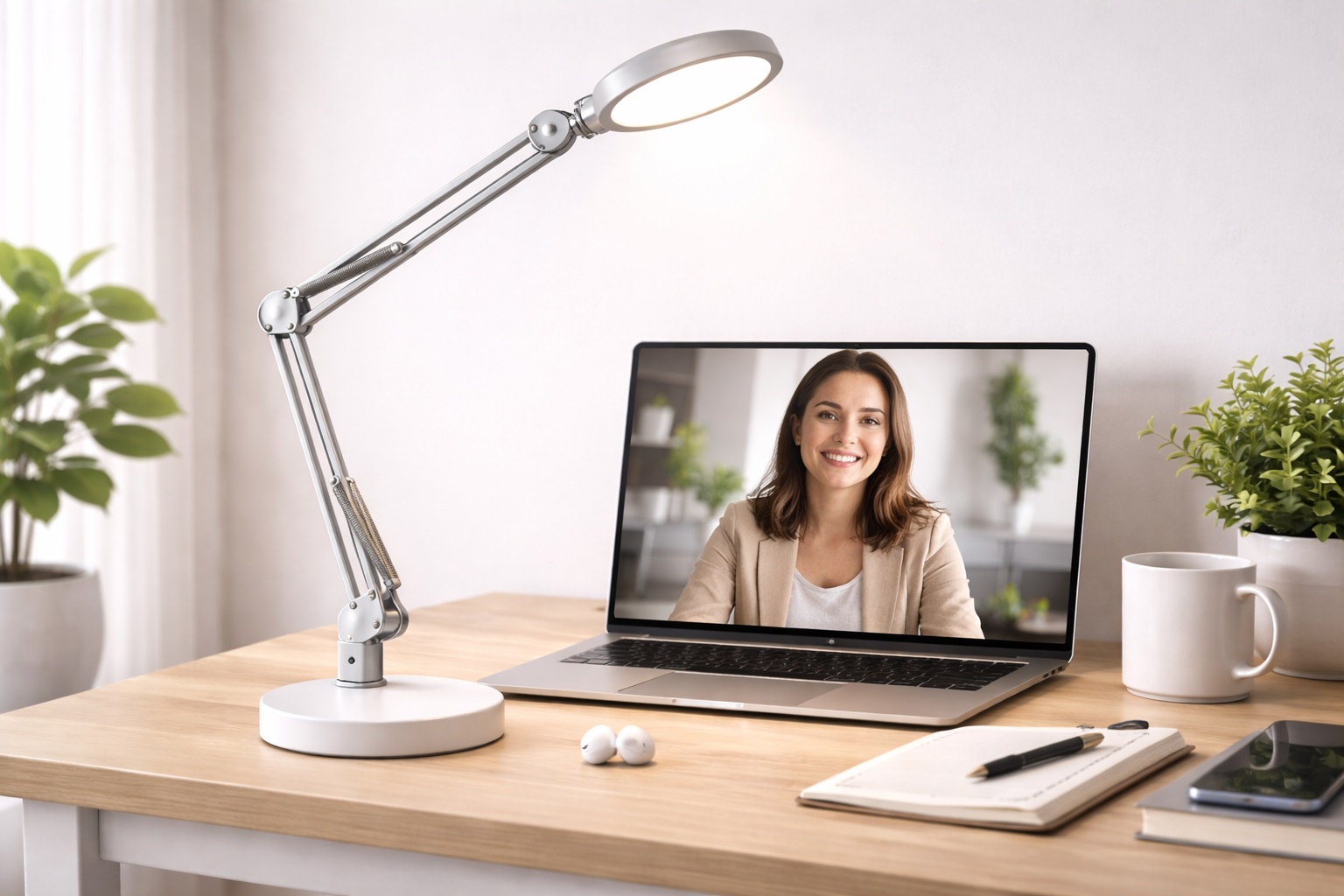
Best Desk Lamp for Calls in 2026: Look Professional in Every Meeting
In the digital-first professional world of 2026, your "virtual image" is just as important as your physical presence. But even the most expensive 4K webcam will look grainy and "gray" if your lighting is poor. The **best desk lamp for calls** is designed to solve one specific problem: lighting your face evenly without creating harsh shadows or blinding you while you look at your screen. These lamps provide a soft, "diffused" light that eliminates eye bags and makes you look energized and professional for your colleagues and clients.
We've tested the latest lighting solutions specifically for their "Video Call Performance." We looked for lamps with **High CRI** (to ensure your skin looks natural), **Adjustable Color Temperatures** (to match the professional look of your room), and **Flicker-Free** technology that prevents the "strobe" effect on webcams. Whether you're a remote executive, a customer success lead, or a YouTuber, these are the top-rated picks for the best on-camera lighting in 2026.
Top 8 Best Desk Lamps for Professional Video Calls (Detailed Reviews)
1. BenQ ScreenBar Halo – The Professional's Standard
The BenQ ScreenBar Halo is the "Secret Weapon" of remote executives. It **clips onto the top of your monitor**, requiring zero desk space. Its unique asymmetrical design illuminates the desk perfectly, but in 2026, it features an improved **"Backlight" mode**. This mode creates a soft wash of light on the wall behind your monitor, which reduces the "Halo" effect on your webcam and makes your face pop against the background. It features a wireless controller to adjust the light during a call without reaching over your desk.
- Pros: Zero screen glare, includes background lighting for camera "depth," wireless control, high color accuracy.
- Cons: Very expensive, requires a monitor to clip onto.
Who should buy this: Executives and presenters who want a "studio look" with zero desk clutter.
2. Lume Cube Edge Desk Light – The Built-in Softbox
Lume Cube specializes in lighting for creators, and the Edge is their masterpiece for professionals. It features an integrated **Diffuser** that softens the light before it hits your face. This prevents the "shiny forehead" look common with regular desk lamps. It uses a "Swing-Arm" design that allows you to position the light slightly above your webcam for the best professional angle. For 2026, it features built-in USB-A and USB-C ports in the base to keep your webcam and phone powered during long calls.
- Pros: Softest light for skin, massive range of motion, built-in charging ports, premium build.
- Cons: Large clamp requires a sturdy desk, higher price point.
Who should buy this: Podcasters, streamers, and HR professionals who spend 6+ hours a day on camera.
3. TaoTronics LED Desk Lamp (Video Call Edition) – The Budget Studio
TaoTronics has updated their best-selling lamp for the video call era. This model features a **Double-Segment head** that can be split open to provide light from two different angles. This is brilliant for calls because it fills in shadows on both sides of your face simultaneously. It offers 5 brightness levels and 3 color modes. For under $60, it provides a "Pro Studio" lighting setup in a single, stable desk tool. It also features a "Night Light" mode for when the meetings are finally over.
- Pros: Multi-angle lighting to fill shadows, very stable base, multiple light modes, great value.
- Cons: Mostly plastic construction, larger footprint.
Who should buy this: Students and remote workers who want to look professional on a budget.
4. Philips Hue Gradient Lightstrip Plus – The "Cinematic" Background
Professional call setups aren't just about lighting your face; they are about the **Background**. For under $90, the Philips Hue Lightstrip can be attached to the back of your desk or shelf. It creates a stunning "wash" of color on the wall behind you. When synced with your PC, it can create a professional "Studio Blue" or "Sunrise Glow" that makes your video call look like it was filmed in a professional TV studio. It eliminates the "Dorm Room" look of flat walls instantly.
- Pros: Massive production value for your background, millions of colors, reduces eye strain, smart home ready.
- Cons: Doesn't light your face (needs to be paired with a task lamp), requires a flat surface to stick to.
Who should buy this: Marketing and Sales professionals who want their background to look premium and highnd.
5. Xiaomi Mi Smart LED Desk Lamp Pro – The Minimalism King
Xiaomi’s "Pro" lamp features a dual-axis articulating arm that allows you to bring the light very low and close to your face for a "ring light" effect without the bulk. It features **Flicker-Free** lighting, which is critical for calls. Some cheap LEDs create "Horizontal Bars" or "Flickering" on webcams—Xiaomi’s high-frequency current ensures your video looks perfectly steady. It is finished in a beautiful white aluminum that looks extremely highnd on camera.
- Pros: Articulating arm for perfect camera angles, flicker-free (eye and camera safe), smart app control.
- Cons: Larger footprint, requires a specific power adapter.
Who should buy this: Technical professionals and designers who want a "Clean" desk that performs like a studio.
6. Logitech Litra Glow – The Dedicated Camera Light
Logitech is the king of webcams, and the Litra Glow is designed specifically to work with them. It is a small "square" light that clips onto your monitor. It uses **TrueSoft technology**, which is a specialized diffusion pattern that makes skin tones look warm and natural. It integrates with Logitech’s "G Hub" software, allowing you to change your lighting settings directly from your PC desktop during a call—no more reaching for buttons while you're talking.
- Pros: Software-controlled lighting, best skin-tone rendering, safe for all-day use, very compact.
- Cons: Not a full "desk lamp" (only lights a small area), requires a USB-C port.
Who should buy this: Professional remote workers who already use Logitech webcams and want an integrated lighting system.
7. Govee RGBIC Smart Corner Lamp – The Modern Aura
Govee is the rising star of "Vibe" lighting. This Corner Lamp stands nearly 5 feet tall and provides a massive wash of color. For video calls, this is perfect for creating a **"Key Light"** effect from the side. Instead of a direct light on your face, this lights up the whole side of the room, creating a soft, cinematic shadow on the other side of your face. It is a "Smart" lamp with voice control, so you can say "Alexa, Meeting Mode" and it will switch to perfect video lighting instantly.
- Pros: Indirect lighting reduces "shiny face" skin glare, massive color options, voice control.
- Cons: Takes up floor space, not for 4K reading/writing tasks.
Who should buy this: Creative directors and agency leads who want a "Studio" look for their video presence.
8. Newhouse Lighting Clip-on Flex – The Budget Hack
For under $15, you can use a "Clip-on" lamp to create a professional look. The Newhouse Flex can be clipped to the top of your monitor or a nearby shelf. For calls, its best feature is the **Flexible Gooseneck**—you can point it at the wall behind your monitor so the light "Bounces" back onto your face. This is the oldest trick in the professional photography book for creating soft, beautiful, "no-shadow" light for very little money.
- Pros: Cheapest professional lighting trick, zero desk footprint, powerful clamp.
- Cons: No battery (must be plugged in), strictly one brightness setting.
Who should buy this: Practical users on a budget who want to use "Bounce Lighting" to improve their camera presence.
Buying Guide: Lighting for the Lens
What the eye sees and what the camera sees are different. Here are the four things to check before you buy:
1. CRI (Color Rendering Index)
This is the most important factor for skin tones. A lamp with a **CRI of 90 or higher** ensures that your skin looks natural and healthy. Lownd LEDs (CRI 80 or below) can make you look "Gray" or "Sick" on camera. BenQ, Lume Cube, and Logitech are the leaders in high-CRI lighting.
2. Color Temperature (K)
You must match your light to your environment. * **5000K (Bright White):** Matches the light from a window. Best for calls during the day. * **3000K (Warm Orange):** Matches home lamps. Best for evening calls so you don't look "Blue." Look for a lamp that offers at least **these two modes** so you look consistent regardless of the time of day.
3. Diffusion (Softness)
A "Point" light source (like a standard bulb) creates harsh shadows under your nose and eyes. A **"Diffused"** light (like the Lume Cube or Litra Glow) uses a lens to spread the light evenly. This is the secret to the "Professional Producer" look—it makes the light feel like it's coming from everywhere at once.
4. "Flicker-Free" Technology
Your webcam takes photos 30 or 60 times a second. If your LED lamp flickers at a similar rate, you get "Horizontal Bars" moving across your video. Highnd professional lamps use **Highnd Current Drivers** to ensure the beam is perfectly steady. If you take professional client calls, do not buy a "no-name" budget lamp.
FAQ: Expert Video Call Lighting Advice
How do I stop my glasses from reflecting my desk lamp?
Angle the light! Move your lamp **to the side** (about 45 degrees) and **above your head height**. If the light is directly in front of you, it will always reflect. By moving it to the side and pointing it down, the "Reflection Angle" misses the camera lens perfectly.
Is a "Ring Light" better than a Desk Lamp for calls?
Not necessarily. Ring lights are great for beauty influencers, but they create "Light Rings" in your eyes that can look unprofessional in a corporate setting. A **soft, rectangular desk lamp** (like Lume Cube or BenQ) provides a more natural, "Window-like" light that fits better for business.
Can I use my phone's flashlight as a call light?
In an emergency, yes, but point it at a **White Wall** or a white piece of paper. The light will "Bounce" off the wall and hit your face softly. Never point a phone flash directly at your face—it is too harsh and will cause you to squint for the whole meeting.
Why do I look "Blue" on my webcam?
This is a "White Balance" issue. It usually happens when you have a bright white 6000K lamp but no natural window light. Switch your lamp to **"Warm" or "3000K" mode**. This will balance the colors and make your skin look more traditional and healthy on camera.
Do I need to turn my lamp off between calls?
Yes. LEDs produce very little heat, but they do have a "Lifespan." Turning your lamp off between meetings can double its life from 5 years to 10 years. Plus, it gives your eyes a break from the focused light!
Final Verdict: The Winner for Your Meetings
- The Executive Choice: The BenQ ScreenBar Halo for its zero desk clutter and professional background lighting.
- The Professional Producer: The Lume Cube Edge for the softest, most flattering light on the market.
- The Best All-Rounder: The Logitech Litra Glow for its integrated software and perfect skin tone rendering.
Your video presence is your professional calling card in 2026. By choosing a high-quality desk lamp designed for camera work, you're making your meetings more professional, your communication clearer, and your image more powerful. Light up your wins!