Best Laptop Stands for Work from Home in 2026: Elevate Your Productivity and Health
Transitioning to a permanent "Work from Home" lifestyle has many perks, but it also comes with a significant health challenge: the "laptop hunch." Spending hours staring down at a screen placed on a dining table or desk can lead to chronic neck pain, back strain, and headaches. The solution is simple but revolutionary: the best laptop stand for work from home. By raising your screen to eye level, you can transform your workspace into an ergonomic haven.
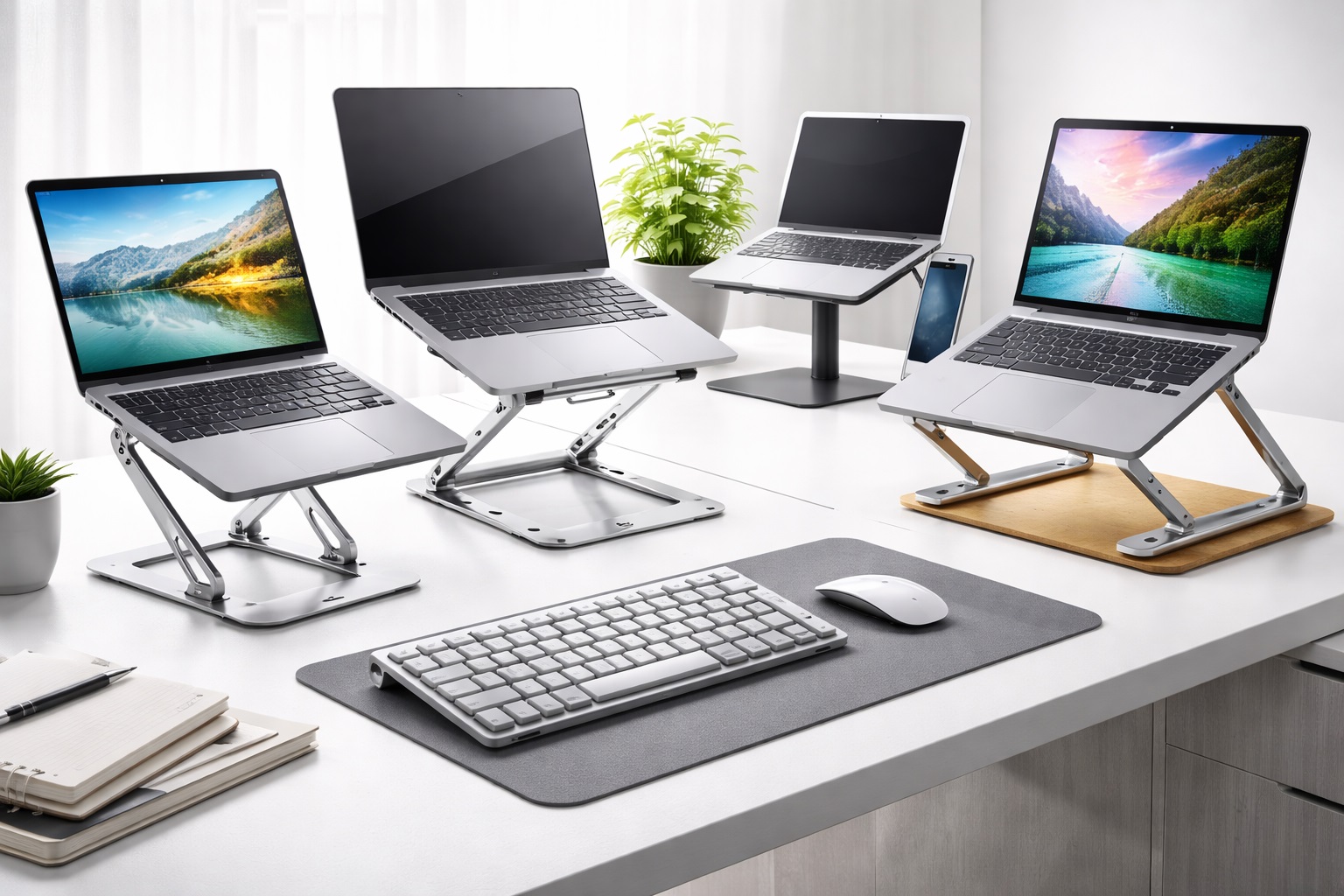
In 2026, the market for office accessories has exploded with innovative designs that cater to every type of remote worker. Whether you have a dedicated corner office, work from a kitchen island, or travel as a nomad, there is a laptop stand designed to improve your posture and keep your device cool. This guide breaks down the top models based on stability, adjustability, and overall build quality.
Individual Product Reviews: The Top Laptop Stands for Remote Workers
1. Twelve South HiRise Pro – Best Premium Design
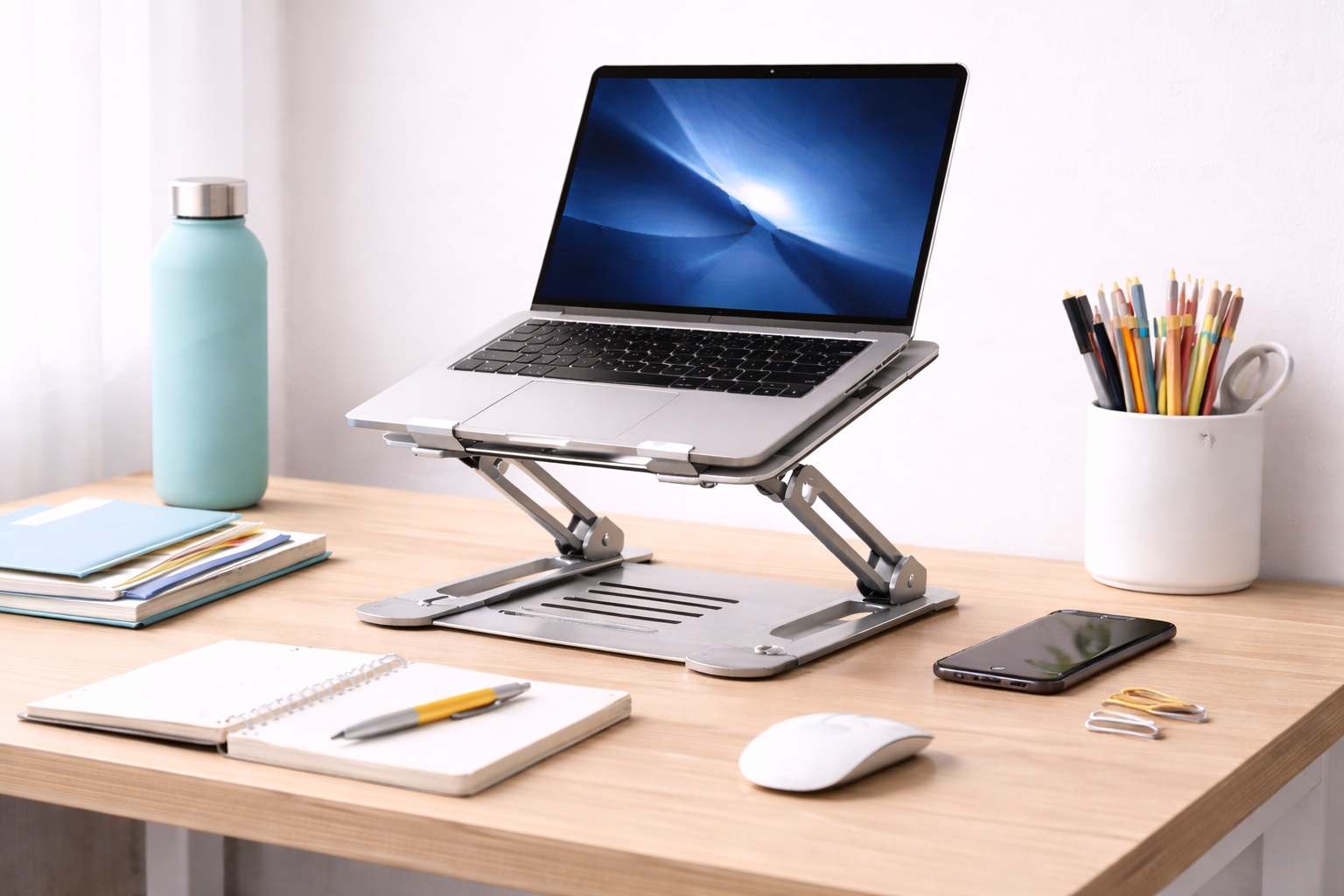
The HiRise Pro is the pinnacle of laptop stand design. It features a heavy, stable base with an adjustable height mechanism that allows you to lift your laptop anywhere from 2 to 6 inches off your desk. The leather-lined landing pad protects your device, while the internal storage compartment is perfect for hiding away a portable hard drive or cables.
- Pros: Luxurious aesthetic, very stable, built-in storage, easy height adjustment.
- Cons: Very expensive, quite heavy and not portable.
Who should buy this: Professionals with a permanent desk setup who want the most stylish and functional stand available.
Who should avoid this: Mobile workers who move from room to room or travel frequently.
2. Roost V3 Laptop Stand – Best for Travelers and Nomads
The Roost V3 is widely considered the best portable laptop stand in the world. It is incredibly lightweight and folds down into a stick shape that easily slides into a backpack. Despite its light weight, it is amazingly strong and can support even the heaviest 17-inch gaming laptops. It offers three height settings to perfectly align your screen with your eyes.
- Pros: Extremely portable, quick to set up, universal fit, lightweight.
- Cons: Pivot points can feel stiff initially, expensive for a "portable" item.
Who should buy this: Digital nomads, students, and people who work from coffee shops or different rooms at home.
Who should avoid this: Those who never intend to move their laptop from their main desk.
3. Rain Design mStand – Best "Classic" Aluminum Stand
The mStand has been a favorite for years, especially for MacBook users. Made from a single piece of sand-blasted aluminum, it matches the Apple aesthetic perfectly. It raises the screen by 5.9 inches, providing a fixed but highly effective ergonomic lift. The aluminum also acts as a massive heat sink, drawing heat away from your laptop's underside.
- Pros: Simple and durable, excellent heat dissipation, keeps workspace tidy.
- Cons: Height is not adjustable, takes up a significant footprint on the desk.
Who should buy this: MacBook users looking for a sturdy, minimalist stand that looks great on any desk.
Who should avoid this: Users who need to adjust the height frequently or have very little desk space.
4. Kensington SmartFit Laptop Riser – Best for Posture Correction
Kensington uses a unique color-coded "SmartFit" system that allows you to measure your hand size to determine the ideal height for your specific body type. It also features an integrated wireless charging pad for your phone in the base, making it a dual-purpose accessory for your home office.
- Pros: Science-backed height adjustment, includes phone charging, good cable management.
- Cons: Plastic construction feels less premium than metal, bulky design.
Who should buy this: People who are specifically focused on solving neck and back pain through ergonomics.
Who should avoid this: Minimalists who want a small, discreet stand.
5. Besign LS10 Adjustable Laptop Stand – Best Budget Choice
The Besign LS10 offers the functionality of high-end adjustable stands at a fraction of the cost. It is made from a sturdy aluminum alloy and allows you to adjust the angle and height to your liking. It is surprisingly robust for the price and can handle laptops up to 10kg with no wobbling.
- Pros: Very affordable, highly adjustable, sturdy build quality.
- Cons: Adjustment requires some force, the silver finish can scratch easily.
Who should buy this: Students and home-workers on a budget who still want full adjustability.
Who should avoid this: Those who want a "smooth" one-handed adjustment experience.
6. MOFT Invisible Laptop Stand – Best "Sticky" Solution
MOFT is a unique adhesive stand that sticks to the bottom of your laptop. It's so thin that you barely notice it's there. When you're ready to work, it folds out in two different angles (15 degrees or 25 degrees). It's the ultimate solution for people who hate carrying an extra accessory.
- Pros: "Invisible" design, weightless, allows for better typing angles on the move.
- Cons: Only two height levels, adhesive may not work on certain textures, doesn't raise screen as high as others.
Who should buy this: People who work on their laps or low tables and want a slight, effortless boost.
Who should avoid this: Users who need a full eye-level lift (6 inches+).
Buying Guide: How to Select the Ideal Laptop Stand
Before purchasing a laptop stand, evaluate these five critical factors:
1. Height and Angle Adjustability
The primary goal is ergonomics. A fixed stand is fine if it happens to be the right height for you, but an adjustable stand is much more versatile. Look for stands that lift the top of your screen to just below eye level.
2. Stability and Weight Capacity
Check the weight of your laptop. Heavy 16-inch or 17-inch laptops require a stand with a wide, heavy base. Avoid cheap, flimsy stands that might tip over or wobble while you type.
3. Heat Dissipation
Laptops generate significant heat. A good stand should have an open design or be made of heat-conductive material (like aluminum) to prevent your CPU from throttling during intense tasks.
4. Portability
Do you work exclusively in one spot? If so, get a solid, heavy stand. If you travel or work in different parts of the house, prioritize lightweight, foldable designs like the Roost or MOFT.
5. Aesthetics and Material
Since this will be a permanent part of your home decor, choose a style that matches your environment. Aluminum looks modern and professional, while plastic or wood might fit different desk setups.
FAQ: Your Laptop Stand Questions Answered
Do I need an external keyboard if I use a laptop stand?
In most cases, yes. If you raise your laptop to eye level, the keyboard will be too high for healthy typing. Using a separate mouse and keyboard allows you to keep your screen high and your hands low.
Can a laptop stand scratch my computer?
High-quality stands use silicone or rubber pads to prevent metal-on-metal contact. Always check that the stand you choose has these protective elements.
Will a stand help my laptop go faster?
Indirectly, yes. By improving airflow and preventing heat buildup, your laptop can maintain higher performance levels for longer periods without slowing down to cool itself.
Are plastic laptop stands safe?
Yes, as long as they are made of high-grade ABS plastic. However, they are generally less durable than aluminum models and may vibrate more during heavy typing.
Can I use a laptop stand on my lap?
Some models like the MOFT or specialized lap-desks are designed for this. However, traditional stands are meant for flat, stable surfaces like desks or tables.
Final Verdict: The Best Laptop Stand for Your Needs
- Best for Ergonomics: The Kensington SmartFit provides the most scientific approach to posture.
- Best for Small Desks: The Rain Design mStand keeps your desk space underneath the laptop free.
- Best for Commuters: The Roost V3 is the king of portable stands.
By investing in a laptop stand, you are investing in your long-term health. Stop the slouch today and raise your productivity by bringing your work up to your level.