Best Bluetooth Earbuds for Small Desk Setups in 2026: Minimalist Audio Solutions
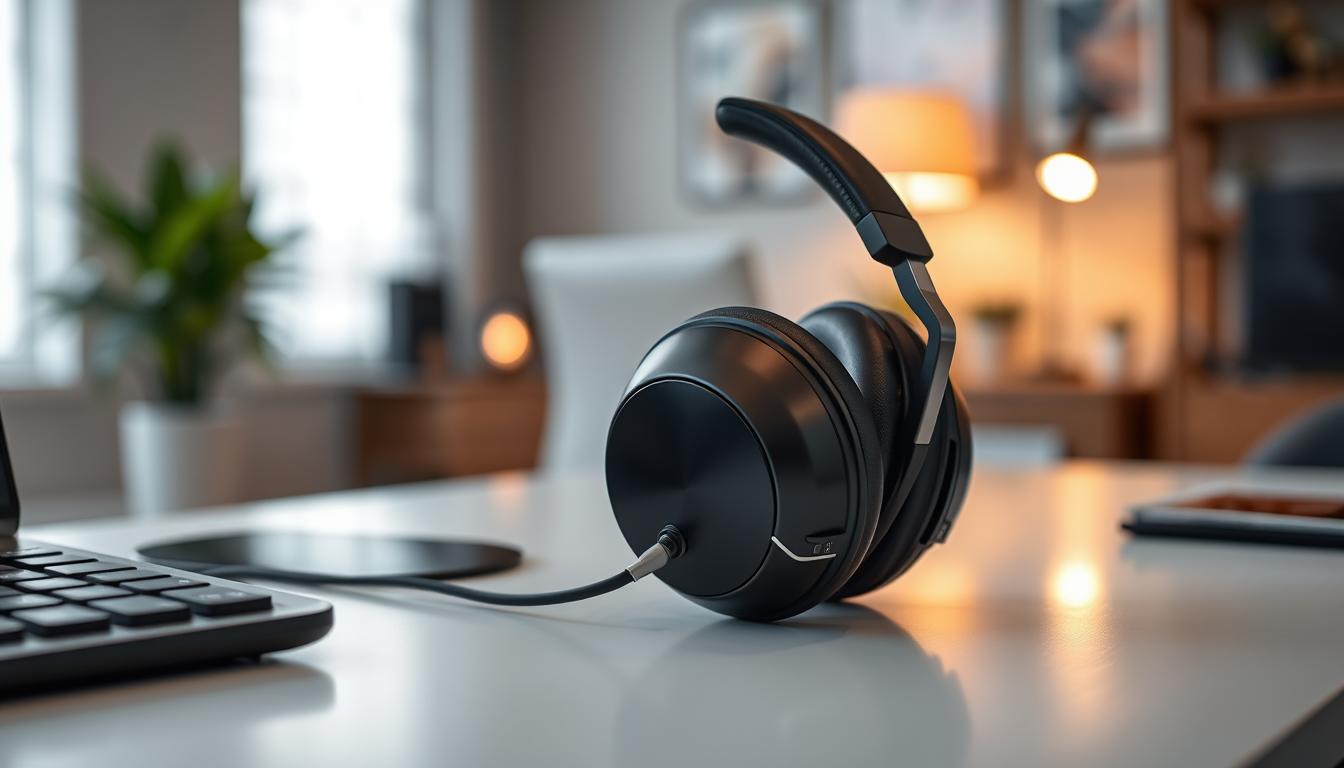
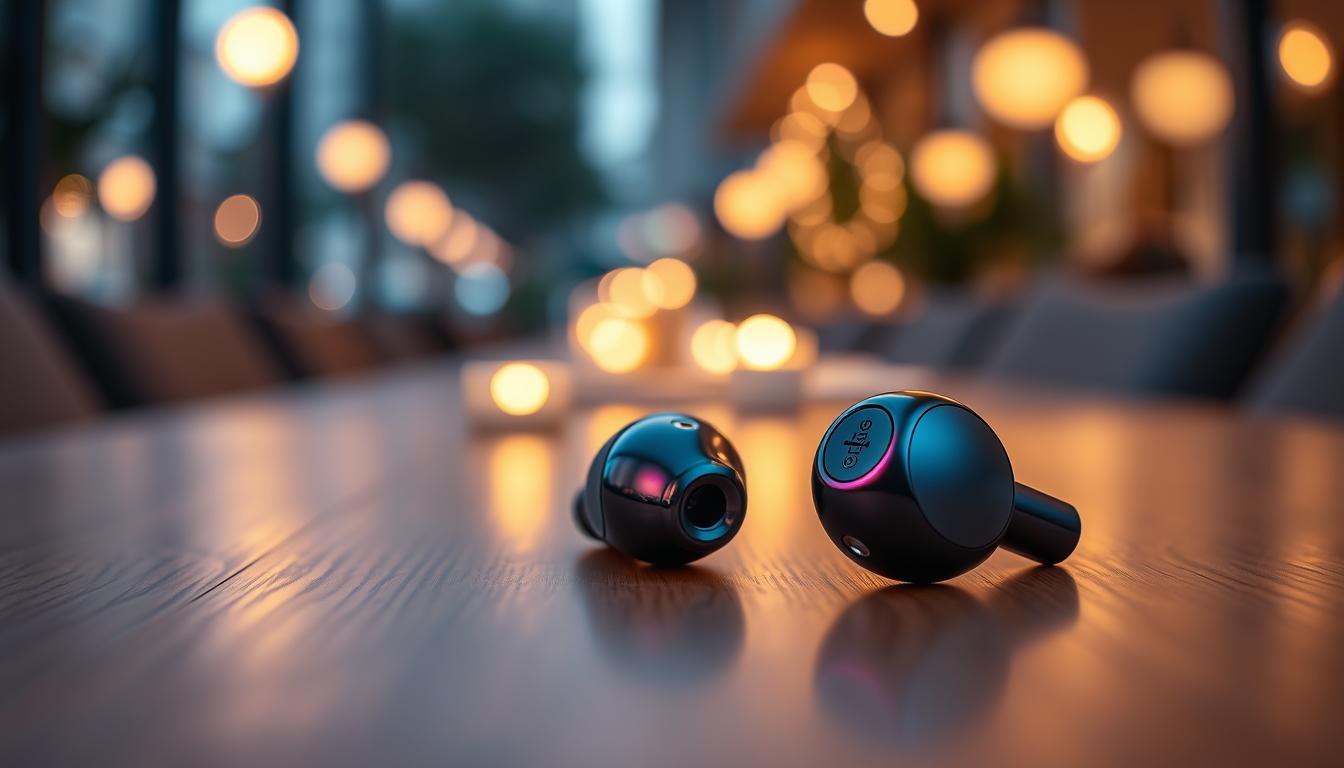
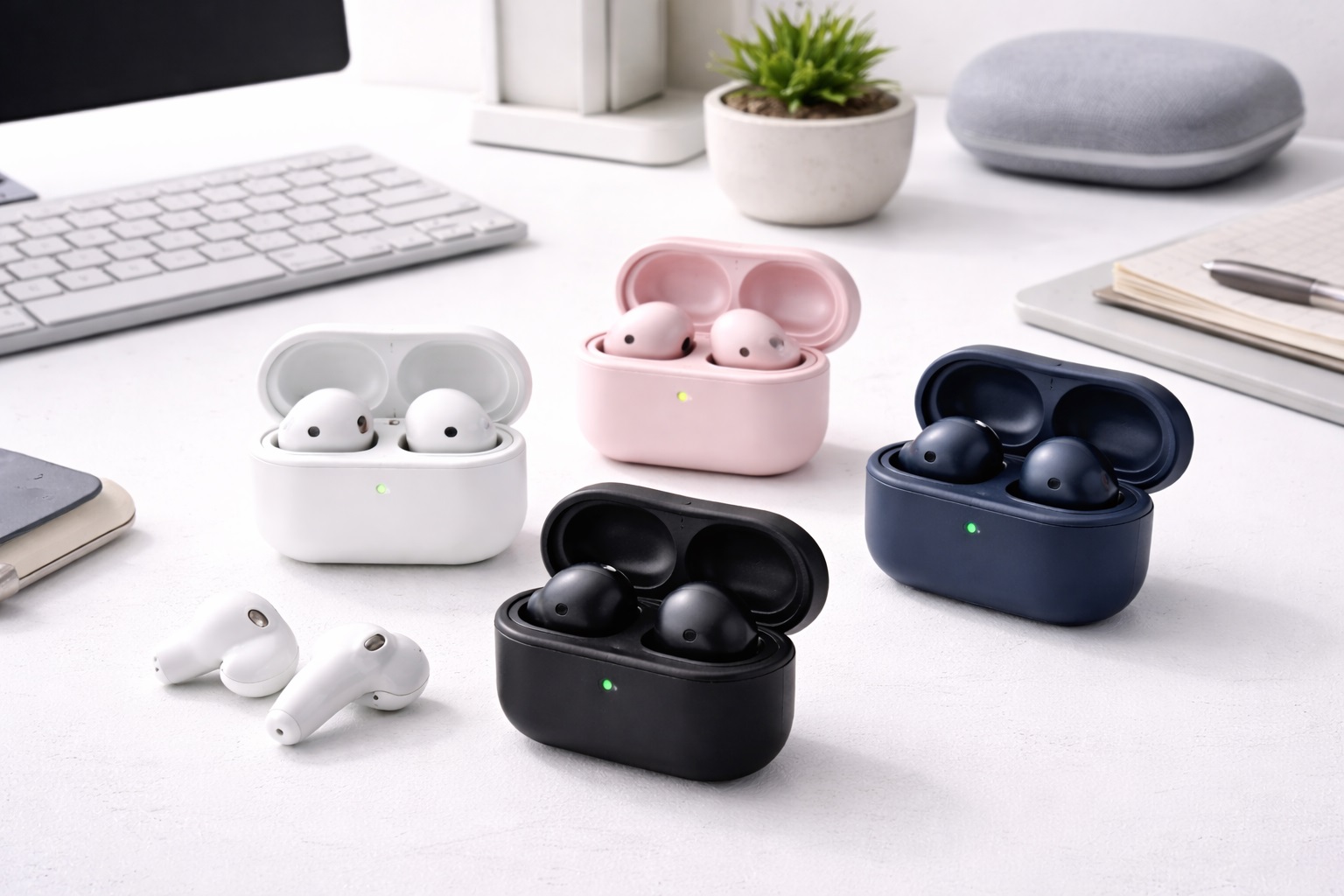
Managing a small desk space is an art form. Every centimeter counts when you're working with a compact apartment nook or a crowded dorm room desk. While over-ear headphones occupy a massive footprint and require bulky stands, the best bluetooth earbuds for small desks provide a "zero-footprint" audio solution. In 2026, the best earbuds for this specialized use case are defined by their ultra-compact charging cases, wireless charging capabilities that eliminate cable clutter, and seamless "instant-pair" technology with your main workstation.
We've curated this list for the minimalist who wants high-quality office audio without the physical baggage. These aren't just great earbuds; they are earbuds that fit perfectly into a clean, "Aesthetic" desk setup. We've evaluated them based on their physical dimensions, their ability to switch between laptop and phone, and how well they integrate into a streamlined workflow. If you want a clear desk and a clear mind, these are your top picks.
Top 8 Best Bluetooth Earbuds for Small Workspaces (Detailed Reviews)
1. Sony LinkBuds S – The "Never-Off" Minimalism
The Sony LinkBuds S are remarkably small and lightweight. For someone with a small desk, these are the ideal daily drivers because they are designed to be worn all day. They are so light (4.8g per bud) that you forget they are in your ears. The case is one of the smallest on the market, easily tucking into a tiny desk drawer or under a monitor stand. They feature "Speak-to-Chat," which automatically pauses your music the moment you speak to a coworker.
- Pros: Ultra-compact case, incredibly light for all-day wear, Great ANC, sustainable materials.
- Cons: Battery life on the buds is slightly less than larger competitors.
Who should buy this: Users who want a "wear-and-forget" experience that leaves their desk completely empty.
2. Apple AirPods Pro (3rd Generation) – Best for "Hidden" Tech
The standard for clean aesthetics. If you have an Apple-centric small desk (MacBook, iPad, Magic Mouse), the AirPods Pro 3 are the perfect visual and functional fit. The MagSafe case allows them to sit vertically on a small charging puck, taking up almost zero horizontal space. The spatial audio "Head Tracking" is a game-changer for those who watch tutorials or take long Zoom meetings on a small monitor.
- Pros: Iconic minimalist design, MagSafe wireless charging, phenomenal transparency mode, H3 chip integration.
- Cons: Expensive, mostly restricted to the Apple ecosystem for full features.
Who should buy this: Apple users who value a cohesive, cord-free minimalist desk aesthetic.
3. Jabra Elite 10 – Best for "Stationary" Workflow
Known for their professional "office-first" design, the Jabra Elite 10 buds offer a semi-open design that prevents the "clogged" feeling when talking on calls. For a small desk, their "Multipoint" connection is flawless, allowing you to stay connected to your desktop PC and your smartphone simultaneously without any manual switching. The case features a non-slip rubber bottom, so it won't slide around on smooth desk surfaces.
- Pros: Best-in-class multipoint connection, comfortable "semi-open" fit, physical buttons for precise control.
- Cons: The case is slightly wider than the Sony or Apple models.
Who should buy this: Home office workers who prioritize call quality and device-switching efficiency.
4. Samsung Galaxy Buds3 Pro – The "Vertical" Modernist
The Buds3 Pro features a "blade" design with integrated LED strips (Blade Lights) that can show battery status. The case has a transparent lid and a "vertical" orientation, which is excellent for small desks because it has a very narrow footprint. They support "Auto Switch" with Samsung tablets and laptops, making them a great alternative for Android-based setups.
- Pros: Unique vertical case footprint, Hi-Fi 24-bit audio, sleek "blade" lights for status, very comfortable for small ears.
- Cons: Certain features (like 360 audio) only work with Samsung devices.
Who should buy this: Android users looking for a modern, tech-forward look for their workspace.
5. Nothing Ear (a) – The "Invisible" Industrial Design
Nothing is famous for its transparent industrial design. The "Ear (a)" model features a compact, see-through case that looks like a piece of modern art on your desk. For a small desk, their visual "lightness" makes the workspace feel less cluttered. Despite the low price, they offer powerful ANC and LDAC support for high-res audio.
- Pros: Unique transparent aesthetic, very affordable, high-quality ANC, dual-connection support.
- Cons: The rectangular case can be a bit awkward in some organizers, battery life is average.
Who should buy this: Creative professionals and students who want a "designer" look for a budget price.
6. Technics EAH-AZ80 – The Professional's Desktop Choice
If your small desk is a high-productivity hub, the Technics AZ80 is the "pro" tool. It is the only earbud on this list that supports **3-device multipoint connection**. You can be connected to your PC, your tablet, and your phone all at once. The brushed metal finish on the case adds a touch of executive class to a high-end minimalist setup.
- Pros: Connect to 3 devices at once, 8mm drivers for professional sound, premium metal finish, industry-leading mic quality.
- Cons: The case is more substantial (larger) than the Sony LinkBuds.
Who should buy this: Power users who constantly switch between multiple devices on a single small desk.
7. 1MORE ComfoBuds Mini – The Smallest Overall Footprint
As the name suggests, these are arguably the smallest ANC earbuds in the world. They are about the size of a marble. The case is incredibly tiny—smaller than a Tic-Tac box. For the most cramped desks where space is truly at a premium, these are the winner. They even include "Soothing Sounds" (white noise) built into the app to help you focus in a noisy environment.
- Pros: Tiniest physical footprint, remarkably low price, integrated white noise for focus, very comfortable for sleeping/long use.
- Cons: ANC is weak compared to Sony/Bose, battery life is limited to 5-6 hours.
Who should buy this: People with ultra-compact desk setups or those who find standard earbuds too bulky.
8. Sennheiser ACCENTUM True Wireless – Best for Stationery Audio
Sennheiser's ACCENTUM line focuses on providing the signature Sennheiser sound in a more streamlined, workspace-friendly package. The case is slim and fits neatly under a monitor. The focus here is on "Hybrid ANC" which specifically filters out office-type noises (fans, humming, distant conversations) better than general-purpose buds.
- Pros: Clean "corporate" aesthetic, great office-noise filtering, legendary sound signature, very stable firmware.
- Cons: No wireless charging, larger eartip selection is needed for the best fit.
Who should buy this: Traditional office workers who want a professional, no-nonsense look and sound for their desk.
Buying Guide: Optimizing Audio for Small Desks
When you have a small workspace, your earbuds aren't just for music; they are a tool for organization. Here is how to pick the right one:
1. Footprint and Charging Orientation
Look for cases that have a **vertical orientation** or **wireless charging**. A vertical case (like Samsung or Apple) takes up less space on your desk mat. Wireless charging allows you to use a small "charging puck" which stays in one place, reducing the mess of dangling USB-C cables.
2. Multipoint Connectivity (Essential for Work)
On a small desk, you're often multitasking. Ensure your buds have **Multipoint** (connecting to two devices). This prevents you from having to go into Bluetooth settings every time you want to switch from a Spotify playlist on your phone to a Microsoft Teams meeting on your PC.
3. Mic Quality for "Near-Field" Use
Small desks are often in shared spaces. Look for earbuds with **6-microphone arrays** or **AI Voice Isolation**. This ensures that even if you're whispering close to your laptop, your voice comes through clearly without picking up the sound of your family or roommates in the background.
4. "Awareness" Features
Since you're working at a desk, you might need to hear the doorbell or a family member. Features like Apple's "Conversation Awareness" or Sony's "Quick Attention" (where you touch the bud to hear the outside world) are vital for staying productive without being totally isolated.
FAQ: Earbuds for the Minimalist Workspace
Can I use earbuds as my primary computer speakers?
Yes. With "Bluetooth 5.3" and "5.4" in 2026, the latency is so low that you can watch videos and edit audio with no noticeable lag. It's the best way to save space by eliminating physical speakers.
Should I get a dedicated stand for my earbud case?
On a small desk, a stand is often unnecessary and adds clutter. Instead, get a **desk mat with an integrated wireless charging zone**—it hides the tech and keeps your buds charged in a "neutral" spot.
How do I keep my earbuds clean in a dusty office?
Keep a small microfiber cloth in your desk drawer. Wipe the buds before putting them back in the case to prevent skin oils and dust from building up on the charging pins, which can lead to connection failures.
Will earbuds hurt my ears after 8 hours of work?
If you find "in-ear" tips painful, look for **"Open" or "Semi-Open" designs** (like LinkBuds or standard AirPods). They don't create a vacuum seal in the ear canal, allowing for much more comfortable long-term wear.
Can I use one bud at a time?
Yes, all modern buds support **Mono Mode**. This allows you to keep one ear open to your office surroundings while listening to low-volume music or podcasts in the other.
Final Verdict: The Winner for Your Workspace
- The Best Minimalist: The Sony LinkBuds S for their tiny size and "never-off" comfort.
- The Apple Architect: The AirPods Pro 3 for the ultimate aesthetic integration.
- The Multi-tasker: The Technics AZ80 for its 3-device connection power.
A small desk doesn't mean a small experience. By choosing the right "zero-footprint" audio solution, you're making your workspace feel larger, cleaner, and more productive. Eliminate the clutter and enjoy the sound!