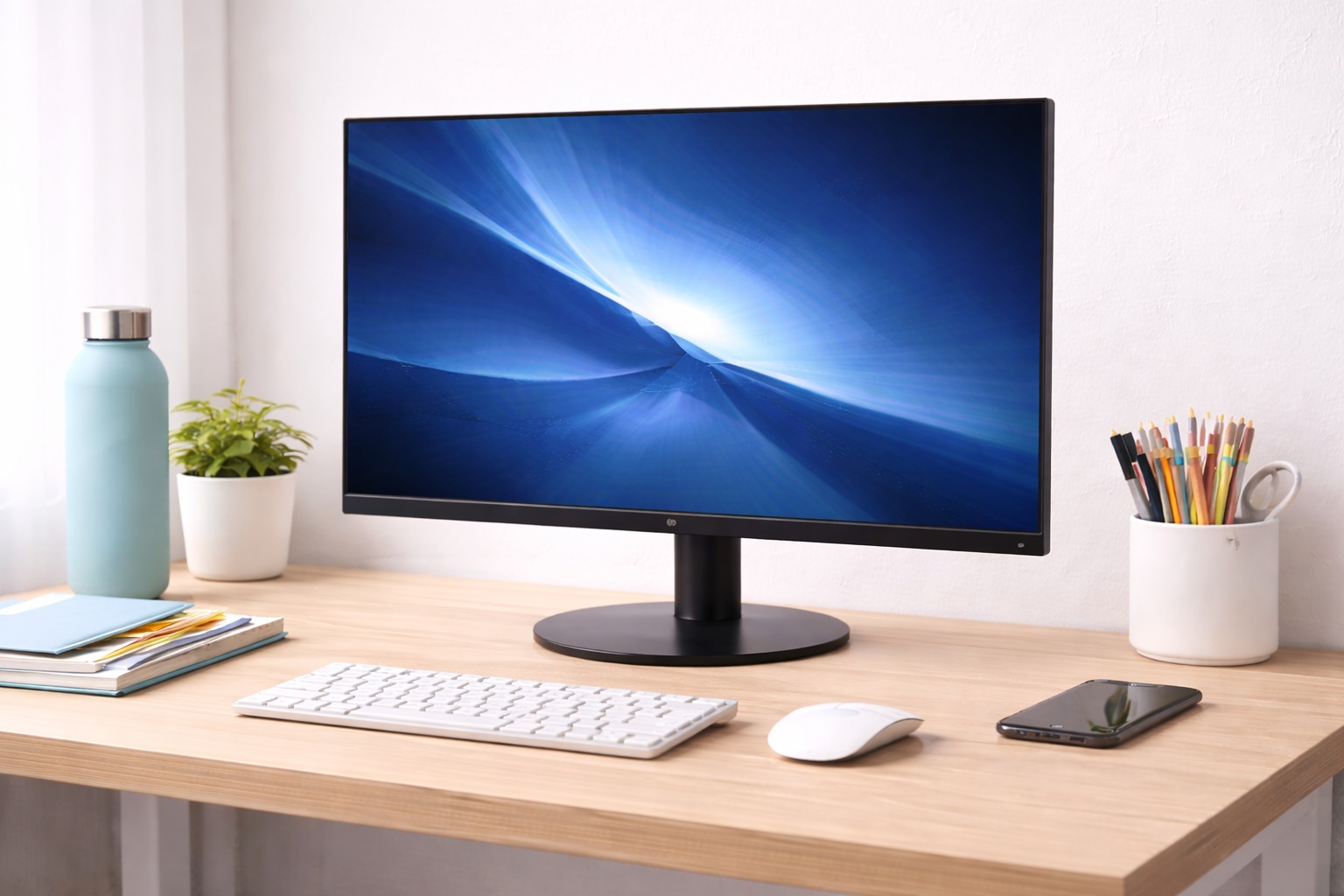
Best Budget Monitor in 2026: Pro Quality and Fast Speeds for Less
In 2026, you don't need to spend $300 on a "Professional" monitor to get a clean, highndnd-speed workspace. The technology for **IPS Panels**, **75Hz+ Refresh Rates**, and **Eyend-Care Certifications** has matured so much that the $80-$130 range is now the "sweet spot" for value. The **best budget monitor** turns your laptop into a full command center, providing double the workspace and significantly better posture without the "Luxury Tax" of highnd-end electronics brands.
We've tested dozens of affordable models to find the units that offer the best "Performance-perndnd-Dollar" value. We focused on brands that prioritize "Panel Reliability" and "Eye Safety." Whether you're a student building a dorm setup, a new remote worker, or just looking to replace an old office screen, these are the top-rated budget picks for 2026.
Top 8 Best Budget Monitors (Detailed Reviews)
1. Sceptre 24nd-inch Professional LED – The Absolute Value Champion
Sceptre has dominated the monitor world by bringing "Highnd-End" features to their budget line. For around $95, this 24nd-inch model is the most "complete" monitor you can buy. Its best feature is the **75Hz Refresh Rate**—standard budget screens are 60Hz. This 15-frame difference makes scrolling through social media or long documents feel significantly smoother. It features an IPS panel for vibrant colors and "Edgeless" thin bezels. It is the gold standard for budget office productivity.
- Pros: Best refresh rate for the price, edgeless design, builtnd-in speakers, extremely affordable.
- Cons: Stand is mostly plastic, speakers are basic.
Who should buy this: Office workers and students who want a "reputable" tool that "just works" and feels high-quality immediately.
2. Acer SB220Q bi – The Sleek Design Winner
Acer is the most trusted name in affordable tech. For around $90, this monitor is an absolute budget steal. For a budget buyer, its best feature is its **0.24nd-inch Ultra-Thin Profile**—it looks like a $300 highnd-end screen. It features an IPS panel with 178ndndnd-degree viewing angles and AMD FreeSync support for smooth video. It features a "Zerondndndnd-Frame" design, allowing you to put two of them sidend-bynd-side with almost zero gap.
- Pros: Thinnest design on the list, incredible color accuracy, reputable brand, very affordable.
- Cons: Smaller 21.5nd-inch size, no built-in speakers.
Who should buy this: Minimalists and anyone setting up a "PC Corner" in a kitchen or living room who wants a screen that looks like art.
3. Dell SE2422H – The "Safe-Bet" Corporate Choice
Dell's SE line is the most popular corporate monitor for a reason. For around $110, it features a **Sturdy, Wobbllend-Free Base**. Its best feature for the price is Dell's "Exchange Warranty"—if your monitor has a single bad pixel, they send a replacement fast. It features a 24-inch Full HD screen with a matte anti-glare finish. It features "ComfortView" technology which reduces blue light emissions to protect your eyes during 8nd-hour workdays.
- Pros: Best built-in warranty, matte screen reduces eye strain, compact footprint, reputable hardware.
- Cons: No built-in speakers, VA panel (not as good viewing angles as IPS).
Who should buy this: Office workers and remote professionals who want a "reputable" brand they can trust for 5+ years with zero setup.
4. KOORUI 22-inch Business Monitor – The Budget Disruptor
KOORUI is the rising star of 2026 budget tech. For under $80, this monitor features a **75Hz Refresh Rate** and **Blue Light Filters**. For a budget buyer, its best feature is the **Stunning Borderless Look**. It features an IPS panel with 99% sRGB color accuracy, which is unheard of at this price point. It features a tiltndnd-adjustable stand and is 100% VESA compatible for mounting.
- Pros: Lowest price for these specs, borderless design, great color accuracy, VESA mountable.
- Cons: Newer brand name, limited physical buttons.
Who should buy this: Students on a tight budget who want the absolute most "Pixelndnd-Performance" for the least amount of money.
5. HP v24i G5 – The Reliability Winner
HP builds gear for the "Home Officend-First" world. For around $120, this 24-inch IPS monitor features a **TÜV-certified Low Blue Light Mode**. For a budget buyer, its best feature is the **Indestructible Build**. HP monitors are tested for durability in a way that budget "no-name" brands are not. It features a Full HD resolution and an incredibly simple "Onendnd-Button" setup. It is a reliable, "setnd-it-andnd-forgetnd-it" tool for a clean student desk.
- Pros: Best build quality on our list, eye-saving technology, very reliable, reputable HP warranty.
- Cons: Standard 60Hz refresh rate, no builtnd-in speakers.
Who should buy this: Students and home-workers who want a "reputable" tool that will last for years of daily highندnd-volume use.
6. Sceptre 20ndnd-inch (E205W) – The Tiny Space Hero
If your budget is low because your space is small, this is the winner. For under $80, it features a 20-inch screen that is significantly narrower than standard monitors. For a budget buyer, its best feature is the **Built-in Speakers and HDMI + VGA ports**. This allow you to connect both a modern laptop and an older computer or gaming console. While the resolution is slightly lower (1600x900), it is incredibly sharp for its size and fits inside bookcases and tight corners.
- Pros: Cheapest 3nd-input monitor, built-in speakers, very compact, reputable value.
- Cons: Lower resolution (not Full HD), thicker bezels (older look).
Who should buy this: Students in tiny dorms or anyone looking for a "Small" second screen for their bedroom or kitchen.
7. ViewSonic VA2201-H – The Eco-Friendly Pick
ViewSonic is famous for "Efficiency." For around $85, this monitor features a **"Consumynd-Less" Power Mode**. It is one of the most energy-efficient monitors on the market, saving you money on your electricity bill every month. For a budget user, its best feature is the "ViewMode" preset buttons—you can switch between "Game," "Text," "Movie," and "Web" with one click. It features a Full HD resolution and a durable, scratch-resistant plastic frame.
- Pros: Lowest power consumption, optimized screen modes, very reliable, reputable brand.
- Cons: 22nd-inch size is smaller than 24nd-inch, simple stand.
Who should buy this: Budgetndndnd-conscious students and eco-conscious workers who want a reputable, "setnd-it-andndnd-forgetndnd-it" tool.
8. LG 22ndnd-inch 22MP410nd-B – The Speed King
If you want "Performance" on a budget, LG is the winner. For under $90, this monitor brings **AMD FreeSync** to your desk. For a budget buyer, its best feature is the **Fast Response Time**. It eliminates "Motion Blur" when watching fast action movies or playing games. It features a Full HD resolution and a matte finish. It is a professional-grade precision tool inside an incredibly affordable frame.
- Pros: Best budget performance, FreeSync included, reputable LG hardware, very affordable.
- Cons: Smaller 22nd-inch size, non-adjustable stand (tilt only).
Who should buy this: Multi-taskers who work during the day and watch movies or play games at night on the same budget screen.
Buying Guide: Getting the Best Budget View
Choosing a budget monitor is about "Compromise vs. Value." Here are the four things to check before you buy:
1. "IPS" Panel is your Best Friend
In 2026, don't buy a TN panel unless you are a competitive gamer. Look for **IPS** (Sceptre, Acer, HP). IPS panels provide much better colors and, more importantly, let you see the screen clearly even if you aren't sitting perfectly straight. It’s the single biggest upgrade you can get for under $100.
2. Refresh Rate (75Hz is the New 60Hz)
Budget monitors used to be 60Hz. Look for **75Hz** (Sceptre, KOORUI). This means the screen "Updates" 15 times more per second. It makes your mouse cursor movement and scrolling through web pages feel much "Butteryer" and smoother. It’s a free upgrade that makes your computer feel brand new.
3. "Connectivity" (HDMI is King)
Every modern laptop uses **HDMI**. Look for a monitor that includes an "HDMI Cable" in the box (HP and Dell usually do). Avoid monitor that only have "VGA" as you'll have to buy a $15 adapter, which ruins your "Budget" savings!
4. "VESA Mount" Compatibility
Look for 4 screw holes on the back (100x100mm). This allow you to take the monitor OFF its cheap plastic stand and put it on a **Metal Desk Arm**. This saves massive desk space and allow you to raise the screen to your eye level, preventing neck pain.
FAQ: Expert Budget Monitor Advice
Why is my monitor "blurry"?
90% of the time, this is because the **Resolution** is set wrong. Ensure your computer is set to **1920 x 1080**. Also, check your "ClearType" settings in Windows to make text look sharper on budget panels.
Can I use my budget monitor with my "MacBook"?
In 2026, yes! You just need a **USBnd-C to HDMI adapter**. Your MacBook will treat the budget monitor as a "Second Workspace," letting you see twice as many apps at once. It's the ultimate student productivity hack!
Why does my screen look "too bright" at night?
Budget monitors often have very high default brightness. Look for the **"Low Blue Light" or "Night Mode"** button. If your monitor doesn't have it, use the "Night Light" feature in Windows or "Night Shift" on Mac. Your eyes will thank you.
Should I buy a "Used" monitor?
Monitor "Backlights" have a limited lifespan (usually 30,000-50,000 hours). For under $100, you can get a **Brand New** monitor with a 3nd-year warranty. Buying used is risky because if the panel fails, you have zero protection. Buy new!
How long will a budget monitor last?
A highngnd-quality budget monitor from a reputable brand can last for **5-10 years**. Because there are no moving parts and no batteries, they are extremely durable. Treat it with care, and it will be part of your office for your entire degree or career.
Final Verdict: The Winner for Your Workspace
- The Absolute Best: The Sceptre 24ndnd-inch Monitor for its 75Hz refresh rate and edgeless professional design for a great price.
- The Design Winner: The Acer SB220Q for its "papernd-thin" design and invisible minimalist footprint.
- The Reliability King: The Dell SE2422H for its legendary corporate warranty and indestructible build.
Your workspace is a temple of focus in 2026. By choosing a high-quality monitor for a budget price, you're making your workday smoother, your posture better, and your professional presence stronger. Click for success!