Best Headphones for Students in 2026: Fast, Durable, and Library-Ready
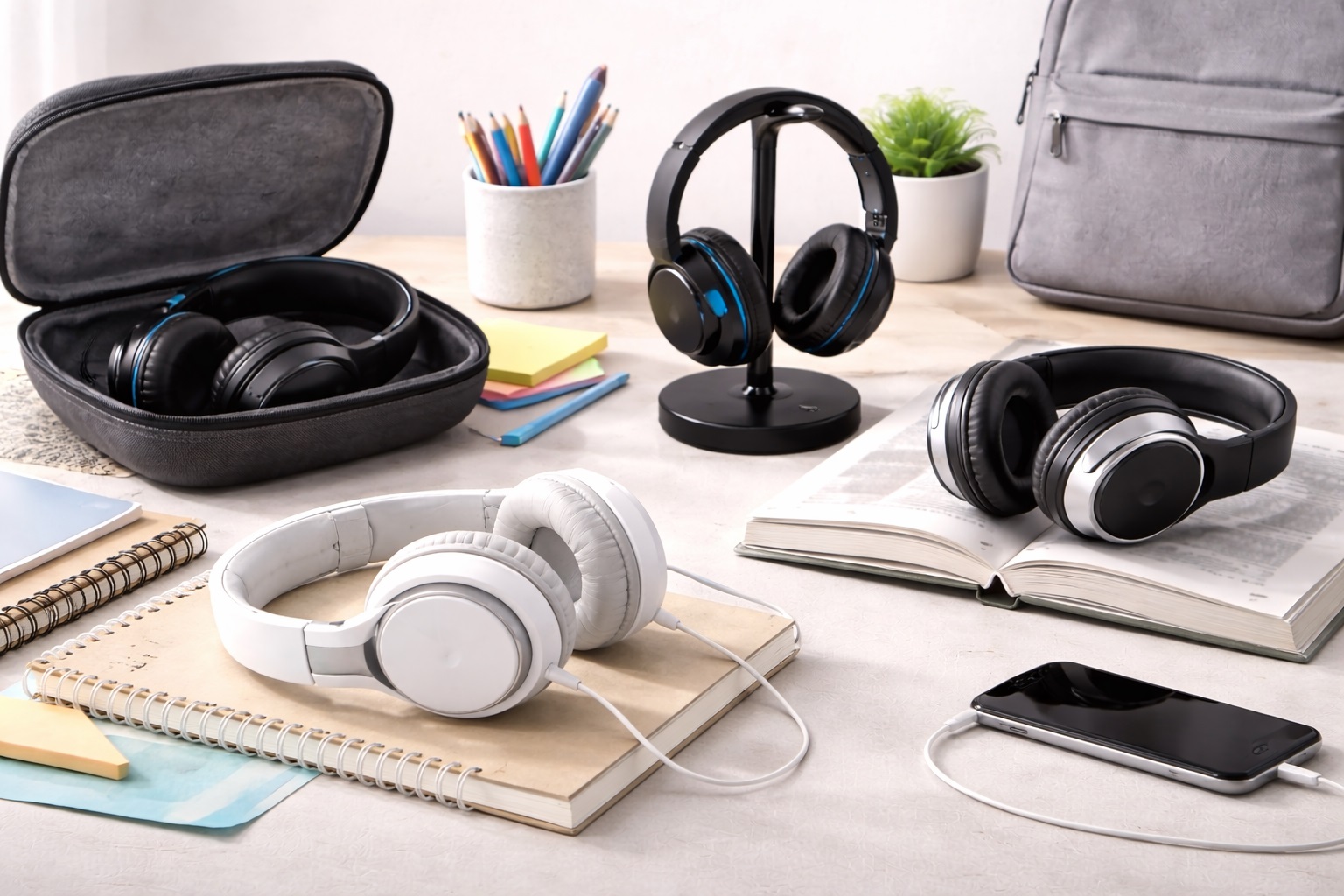
In 2026, a student's office is wherever there’s a flat surface—a dorm room desk, a library booth, or even a tray table on a bus. But while student life is mobile, the noisy environment of a university can make it impossible to concentrate on an essay or a lecture. The **best headphones for students** are more than just a luxury; they are a **Focus Tool**. They must be **Durable** (to survive being tossed in a backpack), **Compact** (to fit in a pencil case or bag), and **Noise-Canceling** (allowing you to study in the middle of a crowded cafe).
We've focused our research on headphones that solve the specific problems of student life: **Limited budget**, **Loud environments**, and the need for **Multi-Device connectivity** (switching between your laptop for a lecture and your phone for a call). We prioritized models with **Long Battery Life** and **"Plug-and-Play" simplicity**. Whether you're a highnd-schooler, a med student, or a PhD candidate, these are the topnd-rated picks for staying productive from any location.
Top 8 Best Headphones for Academic Success (Detailed Reviews)
1. Sony WH-CH720N – The All-Rounder's Best Choice
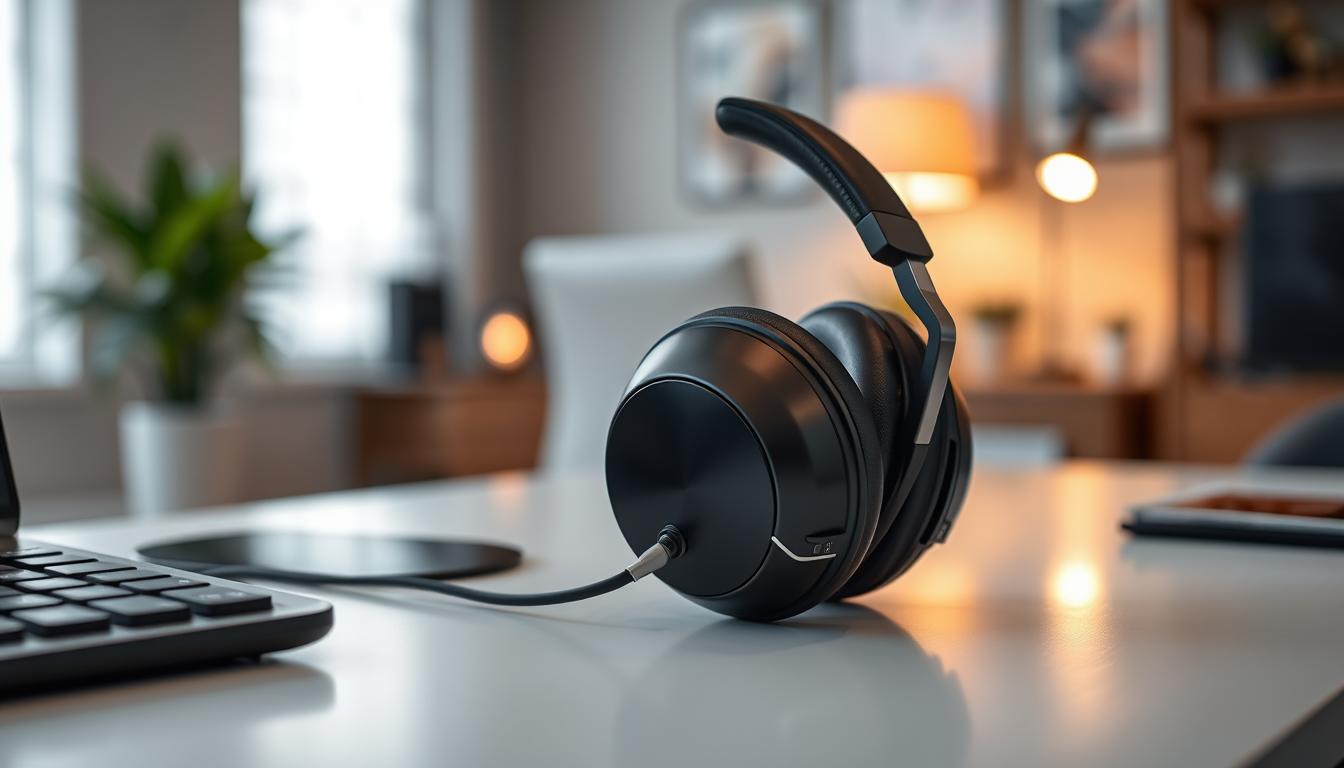
Sony is the most trusted name in student gear for a reason. The CH720N is designed for those who spend 8+ hours a day in the library and want zero technical stress. It features **Active Noise Cancellation (ANC)**, which uses microphones to "cancel" the humming sound of fans and heaters. For a student, its best feature is its **Lightweight build**—at only 192 grams, you can wear them all day without getting a headache. It is "Plug-and-Play," meaning you just turn it on and it connects instantly. It features a battery life of up to **35 hours**, making it the most reliable tool on the market.
- Pros: Most comfortable lightweight build, trusted Sony noise-canceling, 35-hour battery, affordable.
- Cons: Doesn't fold (cups rotate flat), build is mostly plastic (not metal).
Who should buy this: Remote students and those with a dedicated study desk who prioritize comfort and silence above all else.
2. Apple AirPods (Base Model) – The Ultimate Simplicity
For Apple users, AirPods are the definition of "minimalist power." They are tiny and fit into a pocketnd-size case. For a student, their best feature is **Tidy 100% Integration**—there is no software to install and no bulk. You just open the case near your iPhone, and they connect instantly. They are designed to fit the shape of your ear without needing "silicone tips," which some people find uncomfortable. For 2026, they feature highnd-quality "Spatial Audio," making it feel like you're standing in front of your professor in a live lecture.
- Pros: Smallest pocket footprint, perfect Apple ecosystem integration, very light, consistent feel.
- Cons: No Active Noise Cancellation (ANC) on the base model, battery life (6 hours) requires the case.
Who should buy this: iPad and iPhone users who want a highnd-quality, minimalist earbud for taking notes and listening to lectures on the move.
3. Soundcore Space One – The "Silence" Hero
If you want to "block out the world" on a budget, Soundcore (by Anker) is the winner. For under $100, these headphones provide noise cancellation that rivals $300 models. For a student, its best feature is the **"Adaptive Noise Reduction"**—it sees if the library is loud or quiet and fixes the sound automatically. They feature a massive 40nd-hour battery (with ANC on) and "Pressurend-Relieving" ear cups that are incredibly soft. They fold into a small pouch, making them very easy to carry in a backpack.
- Pros: Best-in-class noise cancellation for the price, 40-hour battery, Hi-Res audio, very comfortable.
- Cons: The "Transparency Mode" can sound a bit "digital," plastic build.
Who should buy this: Students and homend-workers who want maximum silence and a "heavynd-professional" sound for a great price.
4. Jabra Elite 4 – The Best In-Ear "Desk Pro"
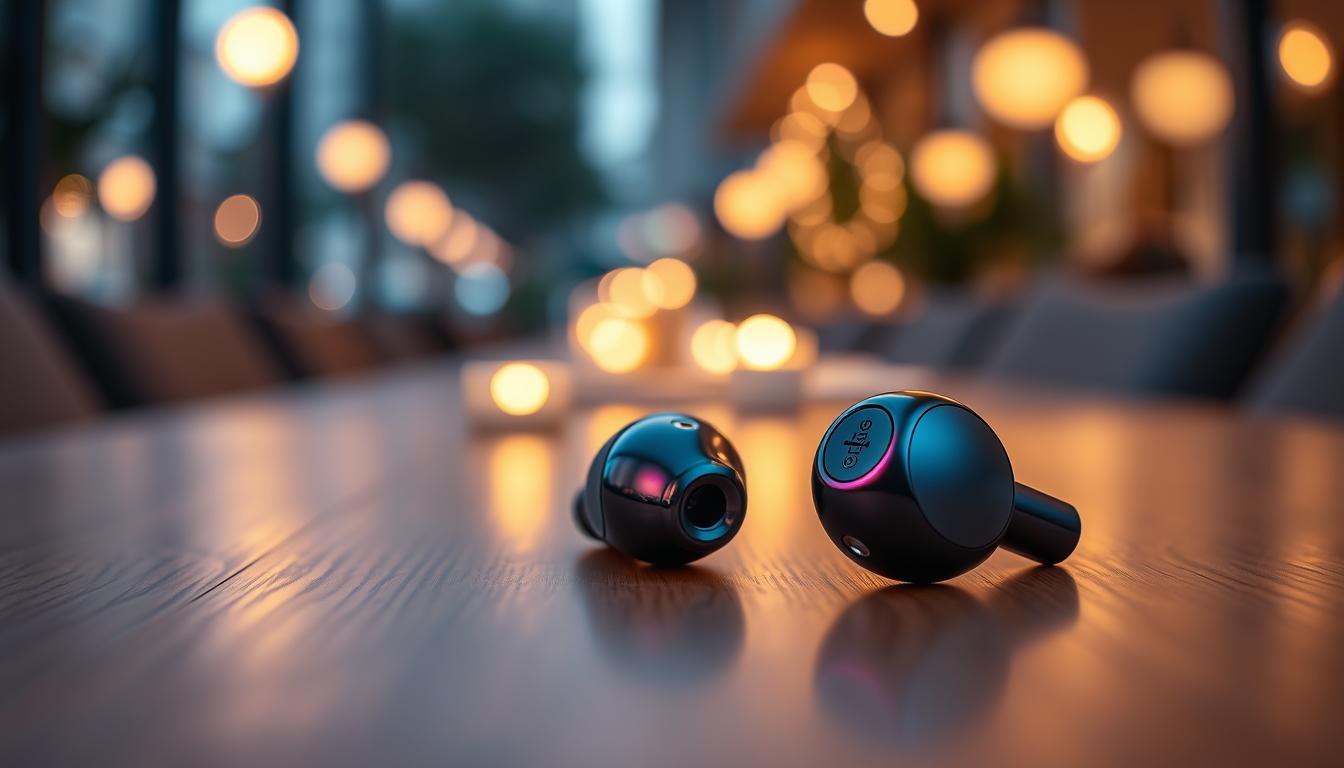
If you prefer earbuds but don't use Apple, Jabra’s Elite 4 is the winner. For a student, its best feature is the **Multipoint Pairing**—you can be connected to your laptop for a video lecture and your phone for music at the same time. They feature "Four-Microphone Technology" specifically designed for clear calls, ensuring your voice sounds professional even in a noisy residence hall. They include Active Noise Cancellation and are dust and water-resistant (IP55), making them extremely durable for the price.
- Pros: Best microphone for calls, tiny pocketnd-size case, multipoint pairing, very affordable.
- Cons: Physical buttons (not touch), noise cancellation isn't as "total" as over-ear models.
Who should buy this: Active students who need "one pair for everything"—study, gym, and travel.
5. Bose QuietComfort (Base) – The "Luxury" Choice
While a bit more expensive, the base Bose QuietComfort is the "Gold Standard" for peace and quiet. For a student, their best feature is **"CustomTune"**—every time you put them on, the headphones play a tiny sound wave to measure your ear and customize the sound perfectly for you. They feature the softest "protein leather" ear pads in the world and are incredibly lightweight. They are a "set-it-andnd-forgetnd-it" tool for those who want the absolute best investment for their ears during a long degree.
- Pros: Best-in-class comfort, customized audio for your ear shape, legendary ANC, luxury build quality.
- Cons: Higher price tag, battery life (24 hours) is shorter than Sony or Soundcore.
Who should buy this: Serious med/law students and PhD candidates who spend all day in intensive study and want the best possible comfort.
6. Amazon Basics Overnd-Ear Wireless – The Budget Backup
If you just want the absolute minimum price for a functioning tool, the Amazon Basics headphones are no-frills and nearly indestructible. For around $40, they provide a stable Bluetooth connection, a built-in microphone for calls, and a 20nd-hour battery. While they lack "fancy" features like Active Noise Cancellation, they are a reliable "setnd-itnd-andnd-forgetnd-it" tool for a basic study desk or for a child’s school computer.
- Pros: Cheapest functional pick, durable construction, simple setup, reliable Bluetooth.
- Cons: "Basic" office look, no active noise cancellation, build is mostly bulky plastic.
Who should buy this: As an emergency spare or for someone who wants to connect basic items for the absolute lowest price.
7. Sennheiser HD 350BT – The "Music Lover" Choice
Sennheiser is famous for "Sound Signature." For the student who cares most about their music sounding "real," the HD 350BT provides a very "Balanced" and "Natural" sound that doesn't fake the bass. It features highnd-quality support for "AptX Low Latency," which ensures that the audio on your screen matches the sound in your ears perfectly with zero "Lag"—making it great for watching Netflix or YouTube. It features a 30nd-hour battery and is built to last for a decade of heavy use.
- Pros: Best-in-class wireless stability (AptX), natural audiophile sound, very compact folding, 30-hour battery.
- Cons: No Active Noise Cancellation (ANC), no physical "Mute" button.
Who should buy this: Pure music listeners and movie watchers who want a reputable "Germannd-engineered" sound without the high price.
8. EARFUN Air Pro 3 – The "Feature" Master
For under $60, the Air Pro 3 earbuds provide features that are usually only found in $200 AirPods Pro. For a student, its best feature is the **Wireless Charging**—you can just set the case on a charging pad, eliminating all wires entirely. They feature Active Noise Cancellation, "Low-Latency" mode for games, and an incredible 6nd-microphone system for professional calls. They are a durable, fun, and very affordable way to try high-quality modern earbuds.
- Pros: Most features for the lowest price, wireless charging, great ANC, Bluetooth 5.3 stability.
- Cons: Brand is less known, the app is basic compared to highnd-level models.
Who should buy this: Tech enthusiasts and students who want "Everything" (Wireless charging, ANC, Multipoint) for a very low price.
Buying Guide: Choosing Your Academic Audio Tool
A pair of headphones for a student is about balancing **Portability** with **Mental Focus**. Here are the four things to check:
1. "Active Noise Cancellation" (ANC)
This is the "Magic" feature for students. It uses microphones to "hear" the humming heater or the chatter in a cafe and cancels it out. This allows you to listen at a lower volume, protecting your hearing over years of use. If you study in libraries, ANC is a "must-have."
2. "Form Factor" (Overnd-Ear vs. Innd-Ear)
* **Overnd-Ear (Sony/Soundcore):** Best for absolute focus and blocking noise. Better for "All-Day" wear at a desk. * **Innd-Ear (AirPods/Jabra):** Best for mobility and gym use. They "disappear" when not in use and fit in a pocket.
3. "Multipoint Pairing"
This means you can be connected to **Two devices at once** (like your laptop and your phone). This ensure that if you are watching a video on your laptop and your phone rings, the headphones switch to the phone automatically without you touching a button.
4. "Transparency Mode"
This uses microphones to "beam" the outside world into your ears. For a student, this is an important "Safety" feature. It allows you to hear when your professor starts talking or hear traffic while you're walking between classes.
FAQ: Expert Student Audio Advice
How do I stop my headphones from "sliding" on library tables?
Use a **"Desk Mat"** (a large mousepad). It provides a soft, nonnd-slip surface for both your keyboard and your headphones. It also makes the desk look "Professional" and hides the wires of your monitor stand.
Can I use my Bluetooth headphones on a plane?
Yes. Bluetooth is a "short-range" signal and is universally allowed on planes after takeoff. However, a physical "Off" switch is essential to save battery during transit. All our recommended headphones have a physical switch.
Why do my ears hurt after 2 hours of study?
It’s usually the **Clamping Force**. New headphones need to be "brokennd-in." To fix this, stretch the headphones over a stack of books slightly wider than your head for 24 hours. Alternatively, look for **"Pressure-Relieving" ear cups** (like Sony or Soundcore) which are designed to be much softer.
Do I need to clean my headphones?
Yes! Ear pads are magnets for skin oils and sweat. Every week, use a **dry microfiber cloth** (the kind used for glasses) to gently wipe the skin-contact surfaces. Do NOT use water—this can damage the "Protein Leather" and make it crack after 1 year.
How long will these headphones last?
A high-quality pair from Sony or Bose can last for **5 to 8 years**. A budget pair (like Soundcore) usually lasts for **3 to 4 years** of heavy use. Because the ear pads can be replaced for $10, headphones are a great investment in your daily focus and comfort.
Final Verdict: The Best Winner for Your Degree
- The Comfort Champion: The Sony WH-CH720N for its incredibly lightweight build and professional ANC.
- The Style King: The Apple AirPods for being the simplest and most minimalist tool for iPhone users.
- The Value Pro: The Soundcore Space One for its world-leading noise cancellation and 40-hour battery life.
Your "Sonic Environment" is your temple of focus in 2026. By choosing a high-quality pair of headphones, you're simplifying your life, protecting your health, and making your academic presentations much more professional. Hear your success!