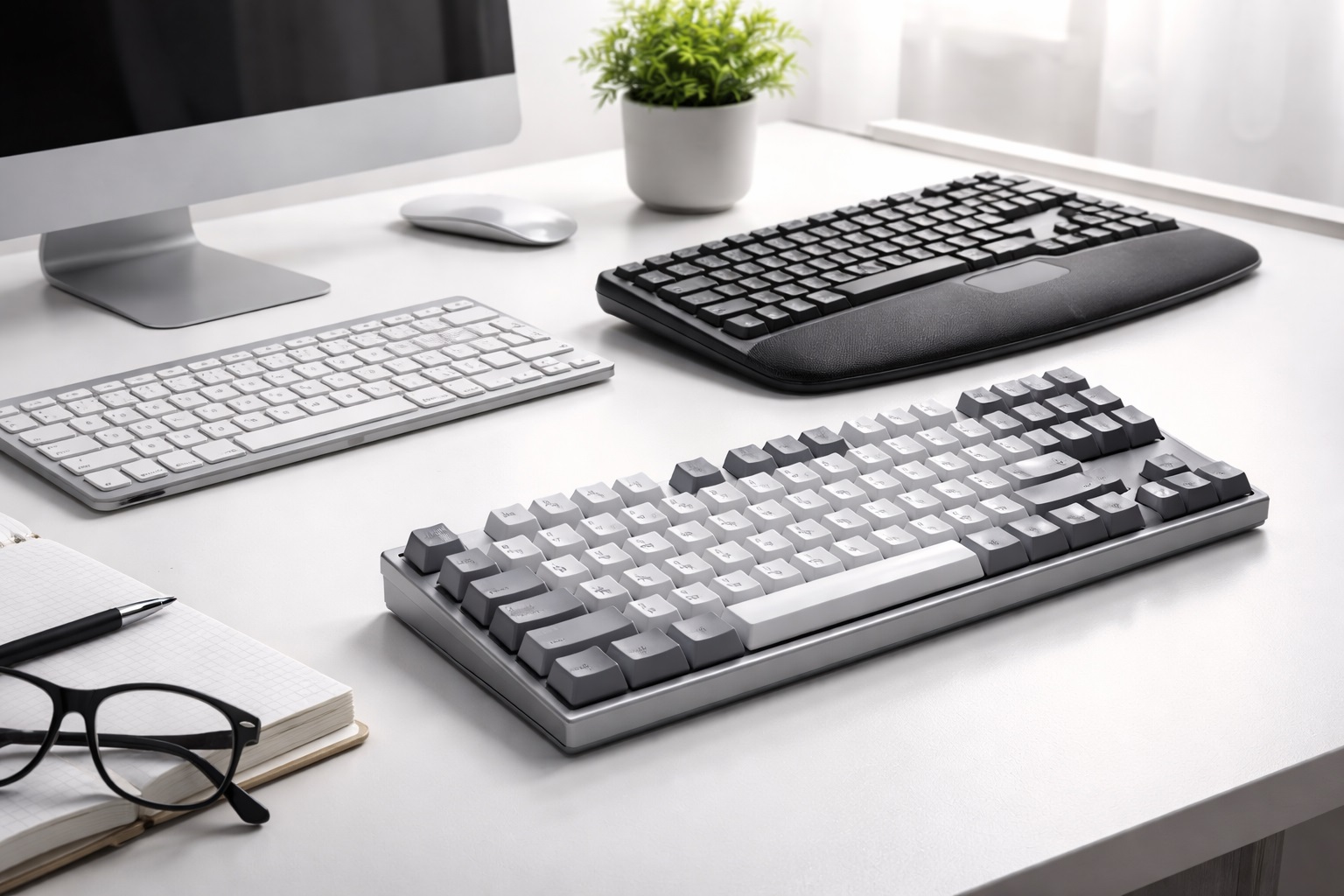
Best Keyboards for Office Work in 2026: Elevate Your Typing Experience and Productivity
Think about the tool you use most during your workday. For most of us, it isn't the phone or the monitor—it is the keyboard. We type thousands of words every day, yet many professionals continue to use the mushy, flat, and uncomfortable "free" keyboard that came with their computer or laptop. The best keyboard for office work is one of the most impactful investments you can make in your professional life. In 2026, a high-quality keyboard is about more than just typing; it's about ergonomics, tactile feedback, and multi-device efficiency.
Whether you are a novelist writing a 3,000-word chapter, an analyst crunching numbers in Excel, or a developer coding through the night, the right set of switches can prevent wrist pain and increase your words-per-minute. We have spent months testing mechanical, membrane, and ergonomic split designs to bring you this definitive list. This guide focuses on comfort, noise levels (crucial for shared offices), and long-term durability. Discover the keyboard that will make you actually *enjoy* your next big report.
Top 10 Best Keyboards for Office and WFH (Reviews)
1. Logitech MX Keys S – Best Overall Office Keyboard
The MX Keys S is the gold standard for office productivity. It features "Perfect Stroke" keys—spherically dished keys that match the shape of your fingertips. The typing experience is remarkably fluid, quiet, and satisfying. The smart backlighting illuminates as your hands approach the keyboard and turns off when you leave, saving battery life. With the ability to toggle between three devices (Laptop, Tablet, Phone) at the touch of a button, it is the ultimate WFH hub.
- Pros: Phenomenal tactile feel, quiet operation, multi-device flow, USB-C fast charging.
- Cons: Flat profile (no adjustable feet), no mechanical switch options.
Who should buy this: Professionals who want the best-feeling "laptop-style" typing experience on a desktop.
Who should avoid this: Mechanical keyboard purists who need long travel and heavy "clicky" switches.
2. Logitech MX Mechanical – Best for Mechanical Enthusiasts
For those who love the "thump" of a mechanical keyboard but need to stay professional in an office, the MX Mechanical is the perfect bridge. It uses low-profile tactile quiet switches that provide a physical bump when you press a key, but without the loud "clack" that annoys coworkers. It features all the smart backlighting and multi-pairing of the MX Keys but with a much longer lifespan and better feedback.
- Pros: Exceptional feedback, low-profile design is better for wrists, very long battery life.
- Cons: Relatively expensive, backlighting can be dull in bright rooms.
Who should buy this: Writers and developers who crave tactile precision but need to be considerate of others' ears.
Who should avoid this: Users who prefer the "dead silent" feel of membrane keys.
3. Microsoft Sculpt Ergonomic Desktop – Best for Wrist Pain
The Sculpt is a legendary piece of ergonomic design. Its "split" layout and domed shape keep your wrists in a natural, neutral position, reducing the strain on the carpal tunnel. It features a separate numeric keypad, allowing you to position it wherever is most comfortable for your reach. The massive, cushioned palm rest is one of the best in the industry.
- Pros: Proven to reduce RSI/Carpal Tunnel pain, excellent palm rest, unique "reverse tilt" feature.
- Cons: Steep learning curve for the split layout, uses AA batteries (not rechargeable), dongle is mandatory.
Who should buy this: Anyone suffering from persistent wrist, shoulder, or neck pain after work.
Who should avoid this: People who constantly move their hands between typing and sketching (it's very wide).
4. Keychron V6 Max – Best Value Mechanical Keyboard
Keychron has disrupted the market by offering high-end mechanical features at a mid-range price. The V6 Max is a full-sized keyboard that is "Hot-Swappable," meaning you can pull out the switches and replace them with different ones whenever you want, without any soldering. It supports both Mac and Windows natively with a physical toggle switch and has a built-in "sound-absorbing" layer for a deeper, more premium sound.
- Pros: Infinite customizability, great software (QMK/VIA), high-quality PBT keycaps that won't get "shiny."
- Cons: High profile (highly recommend a wrist rest), wired-only for most budget versions.
Who should buy this: Tech enthusiasts who want a solid, heavy, and professional mechanical keyboard they can customize.
Who should avoid this: Those who travel with their keyboard and need something thin and light.
5. Apple Magic Keyboard (with Touch ID) – Best for Mac Users
If you use an Apple Silicon Mac (M1/M2/M3), the Touch ID version of the Magic Keyboard is a life-changer. It allows you to unlock your computer and sign in to websites with just a fingerprint. The scissors-switch mechanism is snappy and precise, and the extremely thin profile is very comfortable for those who don't like reaching "up" over a keyboard.
- Pros: Seamless Mac integration, Touch ID security, incredibly thin and light.
- Cons: No backlighting, non-adjustable height, very expensive.
Who should buy this: Dedicated Mac users who prioritize security and minimalism.
Who should avoid this: Windows users (Touch ID won't work) or those who work in dark rooms.
6. Razer Pro Type Ultra – Best for Premium Workspaces
Razer's "Pro" line is designed for the modern white/minimalist office. The Pro Type Ultra features "Razer Yellow" silent switches that are remarkably smooth and linear. It includes a plush, luxurious wrist rest in the box, which is magnets-free and stays in place perfectly. The soft-touch coating on the keys feels incredible under the fingers.
- Pros: Super-smooth linear switches, best-in-class wrist rest included, very professional look.
- Cons: Software (Synapse) can be heavy, white finish requires more cleaning.
Who should buy this: High-level executives and designers who want a "smooth as silk" typing experience.
Who should avoid this: People who like "tactile" buttons that click or bump.
7. Kinesis Freestyle2 – Best Adjustable Split Keyboard
Unlike the Microsoft Sculpt which is one piece, the Kinesis is two pieces connected by a cable. This allows you to place the halves as far apart as you need—even wider than your body—to fully open your chest and shoulders. It is the most "medically" sound keyboard for those with shoulder impingement issues.
- Pros: Complete freedom of placement, reduces chest compression, thin design.
- Cons: Very industrial look, "VIP3" tenting accessory (to tilt the halves) is often sold separately.
Who should buy this: Power-typists with shoulder pain who need custom positioning.
Who should avoid this: People who want a tidy, cordless, minimalist desk.
8. Logitech K380s Pebble Keys – Best for Students and Travel
The K380 has been a cult favorite for years because it's tiny, reliable, and incredibly cheap. It fits in any bag and can connect to your laptop, tablet, and phone simultaneously. The "scooped" round keys are surprisingly comfortable for quick note-taking and emails.
- Pros: Very portable, beautiful colors, incredibly affordable, lasts 2 years on one battery set.
- Cons: No numeric keypad, slightly cramped for large hands.
Who should buy this: Students, commuters, and those who work from cafes.
Who should avoid this: Accountants or anyone who needs to enter data into spreadsheets frequently.
9. Microsoft Bluetooth Wired Keyboard – Best Budget Office Pick
This is the standard, reliable, no-nonsense keyboard that belongs in every government office and school. It features dedicated shortcut keys for emojis, search, and media controls. It's slim, wired (no batteries to worry about), and will likely last for 10 years of heavy abuse.
- Pros: Extremely affordable, reliable wired connection, full-sized numeric pad.
- Cons: Basic membrane feel, no backlighting.
Who should buy this: Budget-conscious workers who just want a standard keyboard that "just works."
Who should avoid this: Anyone looking for ergonomic support or tactile typing joy.
10. Dygma Raise – Best High-End Split Mechanical
The Dygma Raise is an "end-game" keyboard. It's a mechanical split keyboard that can also be joined together into a single unit. It features 8 "thumb keys" instead of just one spacebar, allowing you to use your strong thumbs for Backspace, Enter, or Ctrl, which significantly reduces the workload for your pinkies. It's fully customizable in every way imaginable.
- Pros: The most ergonomic mechanical keyboard on earth, thumb buttons change your life, incredible build quality.
- Cons: Extremely expensive ($300+), takes weeks to master.
Who should buy this: Programmers and heavy typists who are willing to invest in the ultimate health and speed tool.
Who should avoid this: Casual users who don't want to spend time configuring software.
Comprehensive Buying Guide: Technical Tips for Your Hands
To choose the best keyboard for your office work, you must look beyond the price and consider these three ergonomic factors:
1. Switches: Mechanical vs. Scissor vs. Membrane
- Mechanical: Best for tactile feedback and durability. Every key has a physical switch. Recommended for writers and coders.
- Scissor: The "Laptop feel." Short travel, snappy response. Best for those who want a flat, quiet experience.
- Membrane: The most common (and cheapest). Soft, mushy feel. Good for light use and very quiet environments.
2. Form Factor (Full vs. TKL vs. 60%)
- Full-Sized: Includes the number pad. Essential for data entry and accounting.
- TKL (Tenkeyless): Removes the number pad. This allows your mouse to be closer to your body, reducing shoulder strain.
- 60% / 65%: Tiny. Great for travel but requires using "Fn" keys for everything.
3. Tilt and Palm Rests
Contrary to popular belief, "tilting" your keyboard up is actually **bad** for your wrists (it forces them into extension). The most ergonomic position is **Negative Tilt** (sloping away from you) or completely flat. A palm rest should support your hands *while you are resting*, but you should try to hover your hands while typing.
4. Connectivity: 2.4GHz vs. Bluetooth
**2.4GHz (Dongle)** is usually more stable and wakes up the computer better. **Bluetooth** is more convenient as it doesn't take up a port and can connect to many devices. High-end office keyboards (like Logitech) offer both.
FAQ: Everything You Need to Know About Keyboards
Why should I switch from my laptop keyboard to a desktop one?
Laptop keyboards are designed for thickness, not comfort. They have very "short travel," which means your fingers are constantly "bottoming out" against a hard surface. This leads to fatigue and finger pain over a long workday.
Is a mechanical keyboard too loud for an office?
Not if you choose the right switches! Avoid "Blue" or "Clicky" switches. Look for **"Silent Red"**, **"Tactile Quiet"**, or **"Brown"** switches. These provide the mechanical feel without the high-pitched clacking sound.
How long does a keyboard last?
A high-quality mechanical keyboard can last for 50 to 100 million keystrokes—essentially 20 years or more. A cheap membrane keyboard may start to stick after only 2 years.
Can a keyboard really help my shoulder pain?
Yes. If your keyboard is very wide and includes a number pad you don't use, it forces your mouse arm outward. This creates a "long lever" that pulls on your shoulder and neck. Using a "Tenkeyless" (TKL) keyboard allows for a more natural arm alignment.
Are wireless keyboards safe/secure?
Reputable office keyboards (like those from Microsoft and Logitech) use **AES-128 Encryption** between the keyboard and the computer, meaning hackers cannot "sniff" your passwords wirelessly.
Final Verdict: The Best Tool for Your Work
- The All-Rounder: The Logitech MX Keys S is simply the best experience for most people.
- The Medical Choice: The Microsoft Sculpt is the winner for total wrist relief.
- The Enthusiast's Pick: The Keychron V6 Max offers the best "bang for your buck" in mechanical typing.
Your keyboard is the interface between your mind and your work. By choosing a model that protects your posture and enhances your speed, you are making your workday easier, healthier, and more productive. Stop typing on mush—upgrade your experience today!