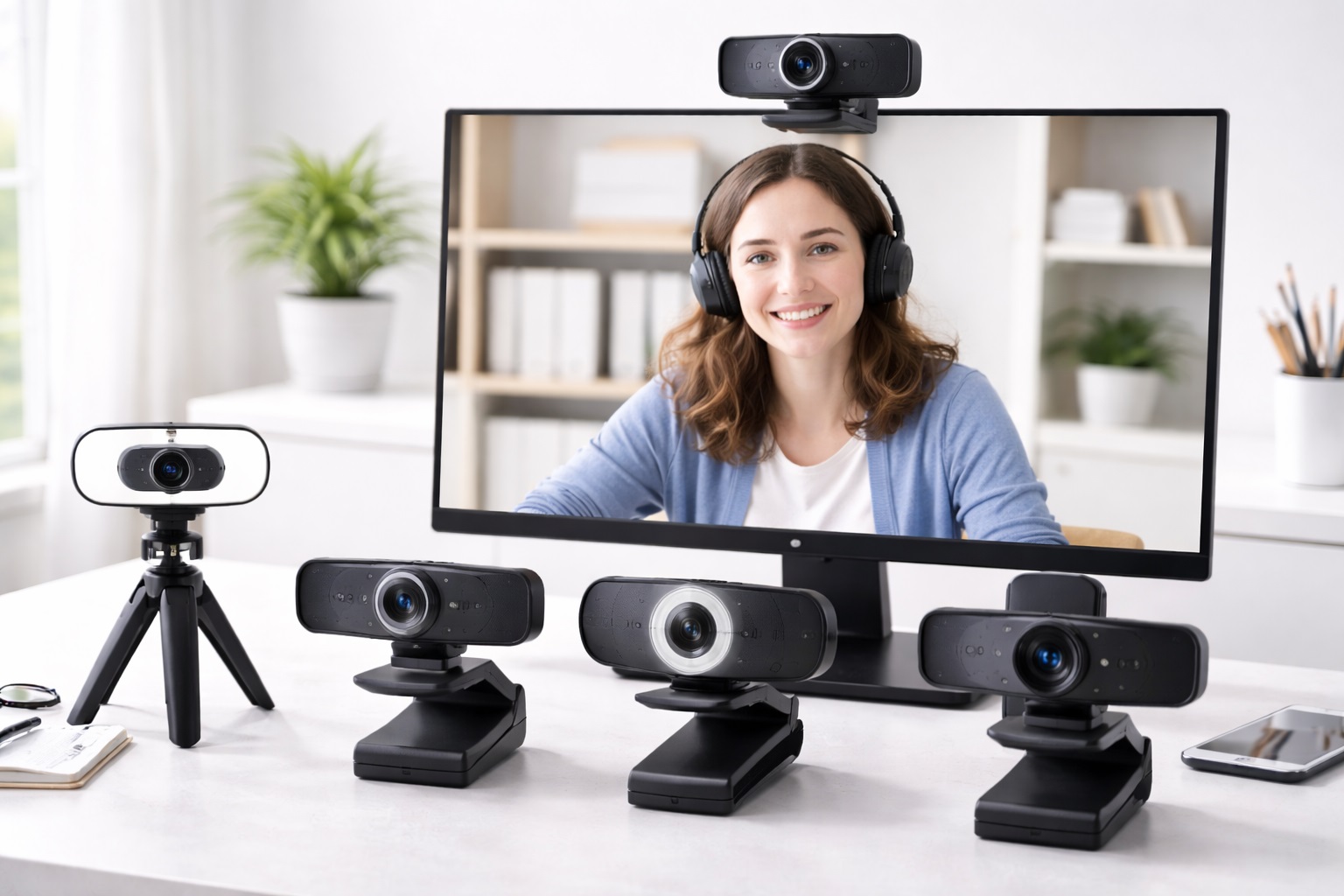
Best Webcams for Online Classes in 2026: Be Seen and Heard Clearly
Whether you are a student attending university lectures from your bedroom or a teacher engaging a classroom of thirty students remotely, the quality of your video can determine the success of your learning experience. A grainy, dark, or laggy image is more than just an eyesore—it can lead to "zoom fatigue" and misunderstandings. The best webcam for online classes is the vital link that ensures your presence is professional, clear, and engaging. In 2026, we have moved beyond basic 720p resolution into the era of AI-powered lighting and high-fidelity microphones.
Finding a webcam that works in low light (like an evening study session) and filters out background noise (like a noisy household) is essential for any student or educator. We've evaluated dozens of models based on their video clarity, low-light performance, and ease of software integration. This guide focuses on the top-performing webcams that offer the best balance of price and professional quality for the modern digital classroom.
Top 8 Best Webcams for Online Classes (In-Depth Reviews)
1. Logitech C920s Pro HD – Best Overall for Students
The C920 series has been the most trusted webcam in the world for a decade. The 's' model features a 1080p resolution and a built-in privacy shutter—essential for home-based learning. Its "RightLight" technology automatically adjusts the brightness so you look your best even if you have harsh sunlight or a dark room. It's affordable, incredibly durable, and works with every educational platform known to man.
- Pros: Excellent 1080p clarity, reliable autofocus, built-in privacy cover, two noise-reducing microphones.
- Cons: Fixed field of view (78 degrees), plastic lens cover can be prone to scratches.
Who should buy this: College and university students who need a reliable, professional-grade camera without a massive price tag.
Who should avoid this: Educators who want to show a large whiteboard in the background.
2. Razer Kiyo – Best for Low-Light Study Sessions
Many students find themselves studying and attending classes during the evening. The Razer Kiyo is unique because it features an integrated "Ring Light" around the lens. By twisting the ring, you can adjust the brightness of the light on your face, eliminating the need for expensive external lighting setups. It's essentially a photo studio that sits on top of your laptop.
- Pros: Built-in adjustable ring light, 1080p resolution, great for dark rooms, simple setup.
- Cons: Can get slightly warm, the ring light is small (best for close-up views).
Who should buy this: Students whose "classroom" is a dark dormitory or anyone attending late-night seminars.
Who should avoid this: Users who already have a well-lit home office.
3. Insta360 Link – Best for Teachers and Tutors
The Insta360 Link is a game-changer for educators. It features an AI-powered 3-axis gimbal that literally follows you as you move. Use the "Whiteboard Mode" to automatically crop and enhance the view of your whiteboard, making your handwriting crystal clear for students. It also supports "Hand Gestures," allowing you to zoom in and out just by holding up your palm.
- Pros: AI tracking follows your movement, amazing 4K resolution, specialized whiteboard and overhead modes.
- Cons: Very expensive for a webcam, the gimbal is a mechanical part that needs care.
Who should buy this: Instructors who move around while teaching or need to show high-detail physical work.
Who should avoid this: Students who just need a static camera for listening and talking.
4. Microsoft Modern Webcam – Best Budget Pick
Microsoft's sleek, small webcam is designed for those who want a simple, clean, and reliable connection. It offers 1080p HDR (High Dynamic Range), which prevents you from looking "washed out" if there is a window behind you. It's extremely compact and has a satisfying physical privacy slider. It is certified for Microsoft Teams but works perfectly with Zoom and Google Meet.
- Pros: Very affordable, HDR processing for better colors, tiny profile, great brand reliability.
- Cons: Basic software, microphone quality is only "average."
Who should buy this: K-12 students on a budget who need a solid 1080p image for their daily classes.
Who should avoid this: Professionals who need the best audio quality (you'll want a separate headset).
5. Logitech StreamCam – Best for Smooth Video (60fps)
Most webcams capture at 30 frames per second (fps). The StreamCam captures at 60fps, which makes your movement look silky smooth—more like a TV broadcast than a traditional video call. It uses USB-C for fast data transfer and can be flipped vertically for social-media-style mobile recording if you're a student vlogger on the side.
- Pros: Smooth 60fps video, USB-C native, smart auto-framing, great color accuracy.
- Cons: USB-C only (requires adapter for old laptops), built-in cable is not replaceable.
Who should buy this: Students involved in debate teams or performance arts where movement clarity is vital.
Who should avoid this: People with older computers that only have USB-A ports.
6. EMEET C960 – Best for Group Study
If you find yourself in a room with two or three other students studying together, the EMEET C960 is the perfect choice. It has a wide 90-degree field of view, ensuring everyone fits in the frame. It also features dual omnidirectional microphones that can pick up voices clearly from across a small table.
- Pros: Wide-angle lens, great for multi-person setups, very low price, noise-canceling mics.
- Cons: Focus is fixed (you can't show objects close-up), light processing is basic.
Who should buy this: Students engaging in group projects or small family education sessions.
Who should avoid this: Individual users who want a "tight" focused view of only their face.
7. Anker PowerConf C200 – Best 2K Resolution Balance
Anker's C200 bridges the gap between 1080p and 4K by offering a 2K (1440p) resolution. This provide extra sharpness without the massive data usage of 4K. It features an adjustable field of view (65, 78, or 95 degrees), allowing you to choose how much of your messy room you want to show the class. The dual microphones can even be set to "directional" mode to only pick up your voice.
- Pros: Sharp 2K resolution, adjustable field of view, zero-software privacy physical cover.
- Cons: Low-light performance is average, the mount is a bit thick for some thin-bezel monitors.
Who should buy this: Tech-savvy students who want crisp video and specific control over their background view.
Who should avoid this: Users on very slow internet connections (data-heavy video).
8. NexiGo N60 – Best USB-A Budget 1080p
The NexiGo N60 is a no-nonsense, plug-and-play webcam that consistently outperforms its very low price tag. It provides a true 1080p image and a sturdy mount. If you've spent all your money on textbooks and just need a camera that works every time for under $40, this is the winner.
- Pros: Incredibly cheap, true HD image, works immediately with zero software.
- Cons: Noisy microphones in loud rooms, colors can look a bit "cool" or blue.
Who should buy this: Students looking for the absolute best bang for their buck.
Who should avoid this: Those who need professional-grade color accuracy for art or design classes.
Comprehensive Buying Guide: Technical Tips for Online Classes
To choose the best webcam for your education needs, consider these four vital factors:
1. Resolution: 1080p vs. 4K
For most online classes, **1080p** is the perfect "Sweet Spot." Most schools' internet and software (Google Classroom, Canvas) can't even display 4K video properly. 4K is only necessary if you are recording lectures to be published later as high-quality videos.
2. Low-Light Performance and HDR
Most student housing has poor lighting. Look for webcams that specify **HDR** (High Dynamic Range). This allows the camera to balance the bright light from your monitor with the dark shadows in your room, ensuring your face doesn't look like a "ghost."
3. Field of View (FOV)
A **78-degree FOV** is standard and good for individuals. A **90-degree+ FOV** is "Wide-Angle" and is better for showing whiteboards or group projects. A **65-degree FOV** is "Tight" and is perfect for hiding a messy bedroom background!
4. Microphone Quality vs. Background Noise
Online classes are 50% about being heard. Look for webcams with **Dual Omnidirectional Microphones**. However, if your home is very noisy, even the best webcam mic won't beat a dedicated USB headset.
FAQ: Navigating the Digital Classroom
Can I use my smartphone as a webcam for class?
Yes, using apps like EpocCam or Camo. However, this drains your phone battery and prevents you from using your phone for other class-related tasks. A dedicated webcam is much more reliable for long-term use.
Is "Privacy" a real concern with webcams?
Yes. Always choose a webcam with a **Physical Privacy Shutter** or a built-in cover. This guarantees it can't record you if your software is accidentally left on after a class.
Why does my webcam look grainy even though it's 1080p?
Grain is almost always caused by **lack of light**. Small webcam sensors cannot handle darkness. Adding a simple lamp next to your computer will immediately double your video quality.
Will a better webcam slow down my internet?
A 1080p webcam uses about 3Mbps of upload speed. 4K can use up to 20Mbps. If your internet is slow, you should stay with 1080p or甚至 lower your resolution in the settings during the call.
Do I need to install drivers for my new webcam?
In 2026, most webcams are "Plug-and-Play" (UVC compliant). You just plug them into the USB port, and they work. Only "Smart" features like AI-tracking require additional software installation.
Final Verdict: The Best Webcam for Your Semester
- The Reliable Choice: The Logitech C920s is the gold standard for every student.
- The Teacher's Tool: The Insta360 Link is unmatched for whiteboard and classroom tracking.
- The Budget Hero: The Microsoft Modern Webcam provides professional 1080p for a great price.
Your educational journey is too important to be hindered by poor technology. By upgrading to a high-quality webcam, you are ensuring that your contributions to the classroom are presented clearly, professionally, and with confidence. Good luck with your studies!