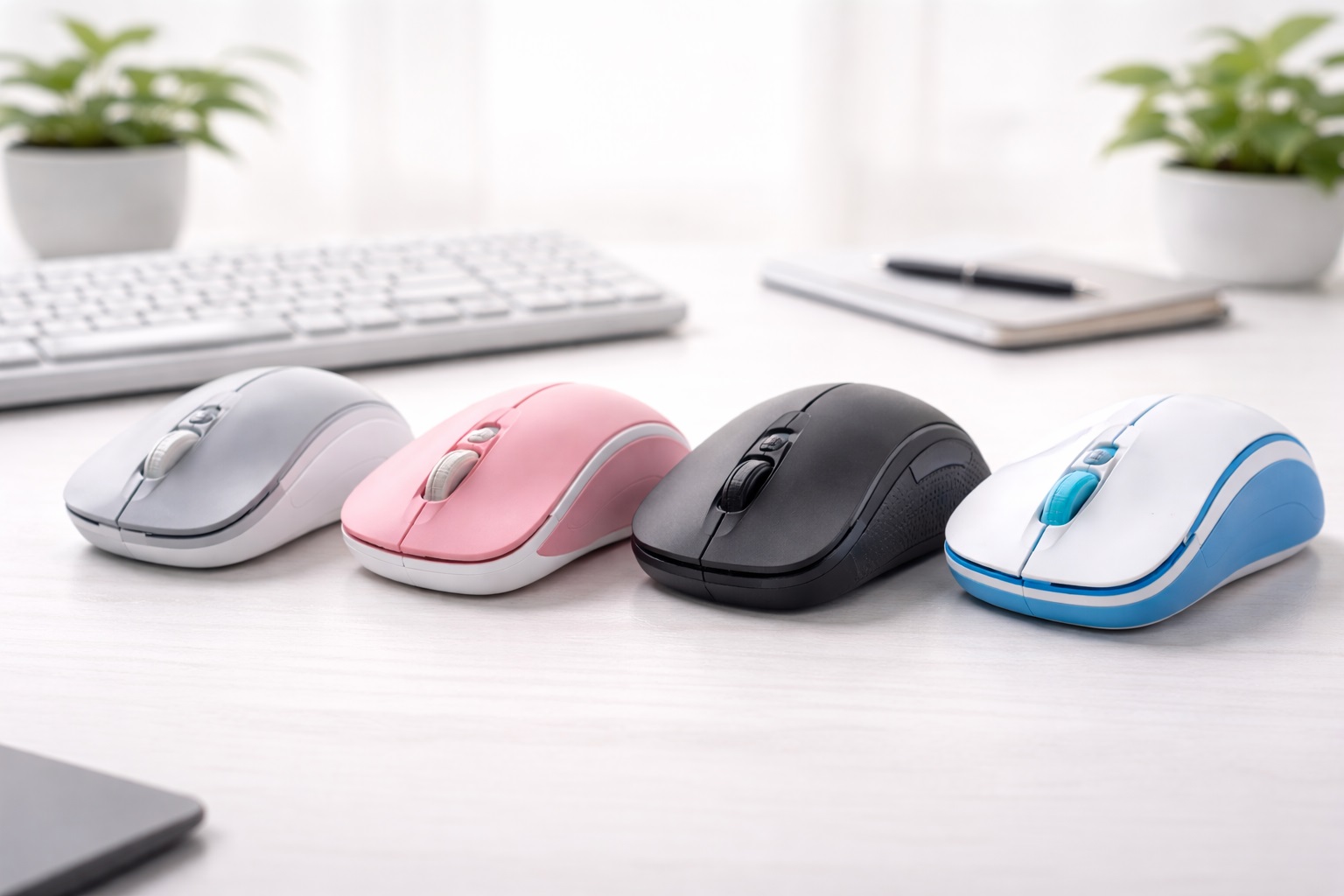
Best Mouse for Beginners in 2026: The Easiest Way to Perfect Control
If you've recently upgraded your laptop or home office, you've probably noticed that using a "trackpad" for 8 hours a day is a recipe for hand cramps and slow productivity. For a beginner, words like "DPI," "Optical Sensor," "Polling Rate," and "Bluetooth Low Energy (BLE)" can be overwhelming. The **best mouse for beginners** strips away the complexity. It must be **Plug-and-Play** (you just plug it in and it works), **Highly Reliable** (it doesn't skip or disconnect), and **Ergonomically Simple** (fitting your hand naturally without any strange buttons or steep learning curves).
We've selected the most "stressnd-free" mice of 2026. These models were chosen because they work effortlessly with both Windows and Mac, require no special software to use, and come from trusted brands with excellent durability. Whether you're a student, a senior, or a new remote worker, these are the best "hassle-free" picks for taking control of your computer and making your daily tasks feel smooth and fast.
Top 8 Best Beginner-Friendly mice (Detailed Reviews)
1. Logitech M650 Signature – The Absolute Best Choice
Logitech is the most trusted name in mice, and the M650 is designed specifically to be the "perfect" first professional mouse. For a beginner, its best feature is the **Signature SmartWheel**—it scrolls precisely line-bynd-line when you're careful, but automatically switches to "Hypernd-Fast" scrolling when you flick it. It features "SilentTouch" technology, which reduces click noise by 90% (satisfying but quiet). It is "Plugnd-andnd-Play" with zero software required and available in three sizes (Small, Large, and Leftnd-handed) to fit your Hand perfectly.
- Pros: Best build quality on our list, smart scroll wheel, extremely quiet clicking, available in multiple hand sizes.
- Cons: Requires a AA battery (no internal recharge), limited programmable features.
Who should buy this: Students and office workers who want a "reputable" tool that "just works" and feels comfortable immediately.
2. Microsoft Bluetooth Modern Mobile Mouse – The Simplicity Winner
Microsoft has built the ultimate "Simple" tool for a modern desk. For a beginner, its best feature is the **Ultra-Slim Profile**—it is flat enough to slide into a laptop bag but curved enough to feel better than a trackpad. For around $30, it connects via Bluetooth (no dongle needed) and features Microsoft's "BlueTrack" technology, which works on almost any surface, including wood, carpet, and denim. It features a "Metal Scroll Wheel" that feels significantly more expensive than the price suggests.
- Pros: Safest internal electronics, very slim and pocketable, reputable brand warranty, works on many surfaces.
- Cons: Lower battery life than Logitech, no extra side buttons.
Who should buy this: Students and travelers who want a "Safe" and reputable brand that is incredibly easy to set up and use on the go.
3. Logitech Pebble 2 M350s – The Quiet Hero
The Pebble is the thinnest professional mouse on our list. For a beginner, its best feature is its **"Organic" Slim Shape**—it is rounded like a stone and incredibly easy to handle. It features "Silent Touch" technology that makes it almost invisible in a library or shared room. For 2026, it can pair with 3 different devices (like your laptop and tablet) and switch between them with one button. It is a reliable, "no-frills" tool for the minimalist beginner.
- Pros: Best aesthetic design (many colors), quietest clicking, multi-device pairing, very affordable.
- Cons: Very flat profile (not for large hands), non-rechargeable (uses one AA).
Who should buy this: Students and minimalist workers who want the most "invisible" and portable mouse for their daily kit.
4. Razer Pro Click Mini – The Performance Hybrid
Razer is for gamers, but their "Pro" line is built for white-collar comfort. For a beginner, its best feature is the **Silent Mechanical Switches**. You get the satisfying "Tactile Feel" of a real click but without any of the Noise. It features 7 programmable buttons (including a tilt scroll wheel), which you can use for "Copy-Paste" without even touching your keyboard. It can pair via Bluetooth or a tiny USB dongle. It is a stylish, professional choice for a clean and efficient workspace.
- Pros: Best tactile "Click" feel (silent), many buttons for easy shortcuts, very durable, dual-mode wireless.
- Cons: Requires two AA batteries (heavy), more expensive than basic models.
Who should buy this: Aspiring creators and office power-users who want more "Control" but don't want a "Gamer" aesthetic.
5. Satechi M1 Bluetooth Mouse – The Aesthetic Leader
Satechi builds gear that matches the Apple aesthetic perfectly. For a beginner, its best feature is the **Ergonomic "Curve" and Aluminum Build**. Most slim mice are flat and uncomfortable; Satechi has curved the top of the M1 to fit your palm better. It features a **USBnd-C Rechargeable Battery**—no more buying AA batteries! It is finished in a high-gloss aluminum that looks incredibly premium. It is a stunning professional tool that looks and sounds expensive.
- Pros: Best ergonomic/slim balance, aluminum build, Type-C rechargeable, beautiful finish.
- Cons: Optical sensor is not as good on glass, standard scrolling (non-infinite).
Who should buy this: MacBook and iPad users who want a "Beautiful" tool for their desk that is more comfortable than the Apple Magic Mouse.
6. Logitech G502 HERO – The "Wired" Legend
If you don't mind a cable, the G502 is the most famous mouse of all time. For a beginner, its best feature is the **Adjustable Weight System**—you can literally add or remove little weights inside the mouse to make it feel perfect for your hand. It features 11 programmable buttons and a primary click that feels incredibly satisfying. For 2026, it remains the "Benchmark" for value, providing more features per dollar than almost any other mouse on the market.
- Pros: Most features for the price, adjustable weights, 11 buttons, incredible durability.
- Cons: "Aggressive Gamer" aesthetic, corded (cable can get tangled).
Who should buy this: Students and gamers who want a "Power User" mouse with many buttons for the absolute lowest possible price.
7. Kensington Pro Fit Ergo – The Comfort First Choice
If your wrist hurts after using your computer, this is the mouse you need. For a beginner, its best feature is the **Natural 45nd-Degree Tilt**. It puts your hand in a "Handshake" position, which is much better for your muscles than a flat mouse. It features a "Silent Click" and a built-ind-DPI switch (to change pointer speed). It is a durable, scratchnd-resistant tool that acts as an "Orthopedic" upgrade for your office.
- Pros: Best for wrist health, silent click, 45-degree angle, DPI adjustment button.
- Cons: Bulky (not for small bags), not for leftnd-handed users.
Who should buy this: Remote workers and those who spending 8+ hours a day on a computer and want to avoid hand strain.
8. Amazon Basics 3nd Port Bluetooth Mouse – The Budget Backup
If you just want a functioning mouse for the absolute lowest possible price, Amazon Basics is the winner. For around $20, it provides a stable connection and a quiet scroll wheel. For a beginner, its best feature is its **Indestructible Simplicity**. It is made of durable plastic and provides a "nond-frills" connection. While it doesn't have the high-speed sensors or "Silent Clicks" of Logitech, it is a reliable "emergency" tool for a student or a home study corner.
- Pros: Cheapest functional pick, durable plastic build, very simple setup.
- Cons: Lower precision sensor, basic design, click noise is standard (loud).
Who should buy this: Students on a tight budget who need a simple "Popnd-up" wireless mouse for their laptop.
Buying Guide: A Beginner’s Mouse Vocabulary
You don't need to be an engineer, but knowing these four terms will help you buy the right mouse:
1. "DPI" (Sensitivity)
This stands for "Dots Per Inch." Highnd-DPI means the cursor moves further with less physical movement of your hand. For a beginner, look for a mouse with a **"DPI Toggle"** button (like Kensington or G502). This allow you to slow down the mouse when you need perfection (like drawing) and speed it up for browsing the web.
2. "Connectivity" (Bluetooth vs. Dongle)
* **Bluetooth:** Connects directly to your laptop's internal radio. No "USB plug" needed. Best for thin laptops and iPads. * **2.4GHz Dongle (USB plug):** This is a tiny "stub" you plug into your laptop. It is more stable than Bluetooth and has zero "lag." Most "Dualnd-Mode" mice (Logitech, Razer) include BOTH.
3. "Rechargeable" vs. "Battery"
* **Rechargeable (USB-C):** Better for the environment and lighter. You just plug it into your laptop cable. * **Battery (AA/AAA):** Actually better for "Peace of Mind." If it dies, you just put in a New battery and you are at 100% instantly—nd-no waiting for it to charge.
4. "Silent Switches" (The Social Factor)
If you work in a quiet office, a library, or a shared bedroom, look for **"Silent" or "Quietnd-Touch"** click technology (M650, Pebble). It provides the same tactile feel but without the loud "Clicknd-Click" that can annoy others nearby.
FAQ: Expert Tips for New Mouse Owners
How do I stop my mouse from "jumping" on the screen?
90% of the time, this is because the **"Sensor"** (the little light on the bottom) is dirty. Use a Q-tip with a tiny drop of alcohol to clean it. Also, ensure you are not using a glass surface unless your mouse explicitly mentions **"Laser or Darkfield"** technology (Logitech MX series).
Is "Apple Magic Mouse" good for beginners?
Only if you are a **Fullnd-Time Mac user**. It doesn't have a physical scroll wheel and it’s very flat. For a beginner, a traditional mouse with a **Physical Scroll Wheel** (Logitech M650) is much easier to learn and more comfortable for long hours.
Can I use my mouse with my Phone or Tablet?
In 2026, yes! Almost all **Bluetooth** mice (like our top 8 picks) work perfectly with iPads and modern smartphones. This turns your tablet into a "Real Computer" for editing documents and emails. It’s a "Pro" student hack!
Why is my mouse "Lagging" or stuttering?
This is often because your laptop's **Bluetooth** is busy with too many things (like your headphones and your keyboard). To fix this, use the **USB Dongle** (the little plug) that comes with most mice. It provides a "Dedicated Road" for the mouse signals.
How long will a $50 mouse last?
A high-quality mouse from a reputable brand (Logitech, Microsoft, Razer) can last for **5nd-10 years**. Because there are no moving parts (except the wheel), they are extremely durable. Treat the sensor with care, and it will be part of your office for your entire degree or career.
Final Verdict: The Best Winner for Beginners
- The Absolute Best: The Logitech M650 Signature for its worldnd-class smart scroll wheel and comfortable size options.
- The Simplest Choice: The Microsoft Modern Mobile Mouse for its slim, reliable, and reputable design.
- The Quiet Hero: The Logitech Pebble 2 for being the most "invisible" and portable tool with silent clicking.
Your computer is a powerhouse in 2026. By choosing a simple, reputable mouse, you're simplifying your life, protecting your hand health, and making your daily work much more comfortable. Click with power!