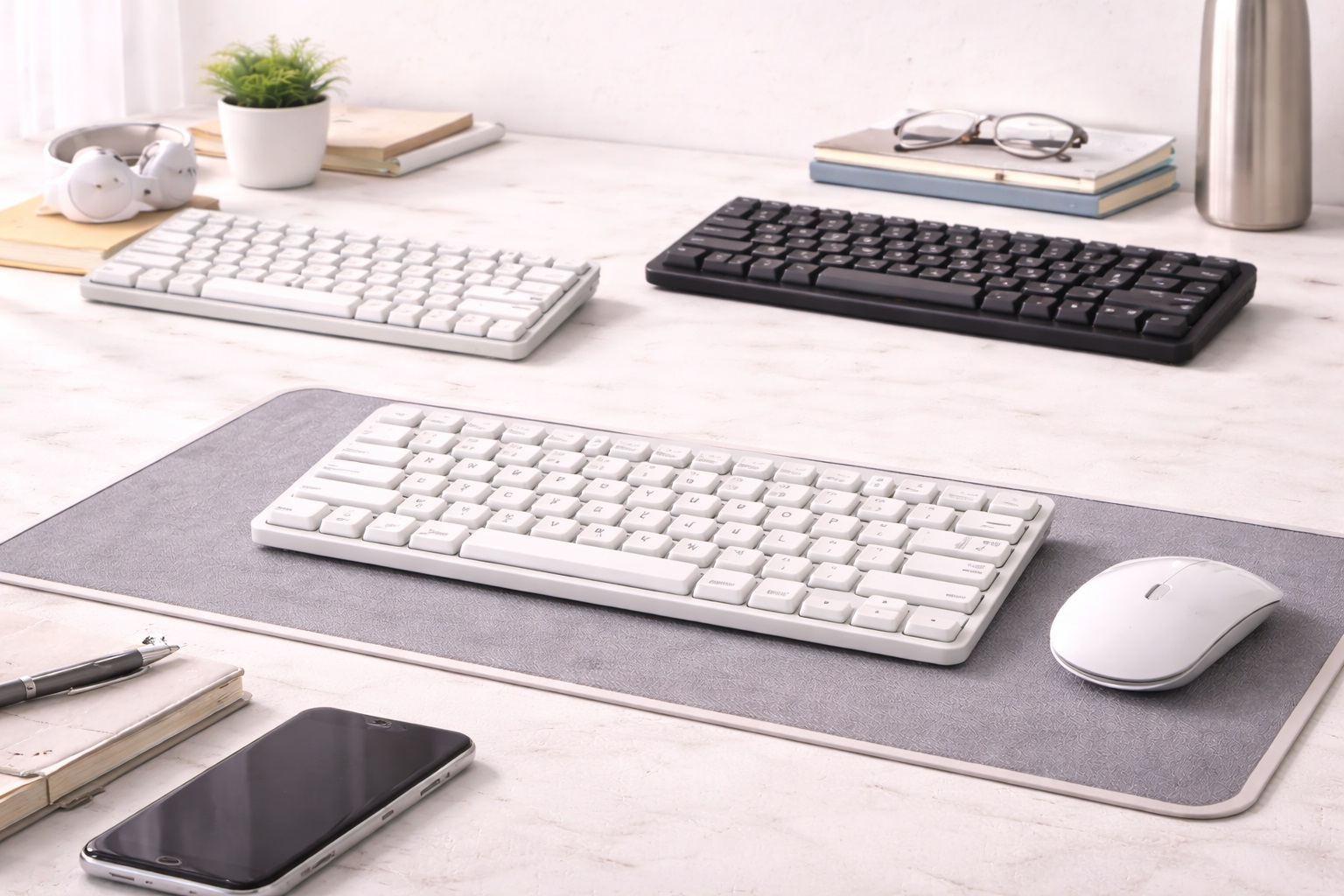
Best Lightweight Keyboard in 2026: Fast Typing Without the Bulk
In the digital-first professional landscape of 2026, mobility is everything. Whether you're a digital nomad jumping between co-working spaces or a professional who needs to pack a "mobile office" for a business trip, your equipment must be as light as possible. A heavy, bulky keyboard with a massive frame and thick cables adds unnecessary weight and clutter to your bag. The **best lightweight keyboard** offers a fullnd-size typing feel in a package that weighs less than a standard tablet. These keyboards are engineered with **Density-Optimized Materials** and **Ultrand-Thin Profiles** to "disappear" into your luggage while providing a professional typing experience.
We've focused our research on keyboards that weigh under **400 grams** (14 oz) but provide the performance of a desktop board. We prioritized models with **Integrated Protective Covers**, **Multi-Device Pairing**, and **Silent Keys** that can survive being tossed in a laptop bag. Whether you're a remote worker, a student on the move, or a frequent traveler, these are the top-rated picks for staying light and productive.
Top 8 Best Lightweight Keyboards (Detailed Reviews)
1. Logitech Keys-To-Go 2 – The Featherweight Tablet Partner
Logitech’s Keys-To-Go 2 is the champion of lightweight design. It weighs only **180 grams** (6.3 oz) and is about 6mm thick. For a traveler, its best feature is the **"Spill-Resistant Fabric-Skin"**—the keys are sealed under a durable material, meaning you can literally wipe it clean after a coffee spill. For 2026, it includes a built-in protective cover that shields the keys when it's in your bag. It connecting instantly via Bluetooth and features a battery that lasts for months. It is the definition of "Invisible Tech."
- Pros: Incredibly light (180g), spill and dust resistant, built-in cover, ultra-thin.
- Cons: Keys have very short "travel" (shallow feel), no backlighting.
Who should buy this: Tablet users and nomads who want an indestructible tool that fits inside a tablet sleeve.
2. Apple Magic Keyboard – The Slim Aesthetic Legend
The Apple Magic Keyboard is a masterpiece of modern engineering. It weighs approximately **239 grams** (8.4 oz) and features a remarkably thin aluminum frame. For a lightweight user, its best feature is its **Tidy 100% Integration**—there is no software to install and no bulk. It uses the same "Scissor Mechanism" found in the latest MacBooks for a consistent, high-speed typing feel. For 2026, it features an improved USB-C charging port and a battery that lasts for over a month on a single charge. It’s the ultimate "Slim" desk upgrade.
- Pros: Thinnest highnd keyboard, perfect Apple ecosystem integration, very light, consistent feel.
- Cons: No backlighting, no multi-device pairing (one device at a time).
Who should buy this: iPad and Mac users who want a highnd, minimalist keyboard that "disappears" in their bag.
3. iClever BK08 Folding Keyboard – The Pocket-Size Winner
The BK08 is a miracle of miniature design. It folds into a package about the size of a large smartphone and weighs only **215 grams** (7.6 oz). For a lightweight setup, its best feature is the **Builtnd-in Touchpad** on the right side—this means you don't even need to carry a separate mouse! It is made of a high-density alloy that feels rugged and professional. For 2026, the hinges have been reinforced to survive over 100,000 "Folds." It connects instantly via Bluetooth and providing a surprisingly stable typing platform.
- Pros: Folds into a pocket-sized tool, built-in mouse touchpad, durable metal hinges, very light.
- Cons: Smaller keys take time to learn, typing on soft surfaces can be tricky.
Who should buy this: "One-Bag" travelers and smartphone power-users who want a full computer setup in their pocket.
4. Microsoft Designer Compact Keyboard – The Narrow Specialist
Microsoft builds their "Designer" keyboard to be the perfect companion for Windows and Surface laptops. It weighs **288 grams** (10.1 oz) and is remarkably narrow (less than 12 inches wide). For a lightweight traveler, its best feature is the **dedicated "Emoji" and "Screen Snip" keys**, which are life-savers for social media managers on the road. It provides multi-device pairing via Bluetooth and is finished in a beautiful matte material that matches modern highnd hardware perfectly.
- Pros: Very thin and professional, dedicated shortcut keys, multi-device pairing, very light for its size.
- Cons: Uses coin batteries (not rechargeable), no backlighting.
Who should buy this: Marketing professionals and Windows enthusiasts who want a sleek, modern upgrade for their mobile workspace.
5. NuPhy Air60 v2 – The Style Nomad's Choice
NuPhy creates keyboards for people who love design and weight savings. The Air60 is a 60% layout keyboard that weighs **400 grams** (14.1 oz). For a lightweight user, its best feature is that it **fits perfectly on top of your laptop's keys**—allowing you to use highnd external keys while keeping the laptop's trackpad accessible. It features "GhostBar" technology which makes the spacebar silent. It’s a lownd-profile mechanical keyboard that looks like a piece of art and fits in any laptop sleeve.
- Pros: Stunning modern design, very thin and light for mechanical, fits on top of laptop keys.
- Cons: Higher price tag, learning the "60%" layout takes a week.
Who should buy this: Designers and tech lovers who want a "Statement" piece that is also highly functional and portable.
6. Targus Antimicrobial Folding Keyboard – The Health Hero
Targus has built a keyboard that stays clean and light. It weighs **220 grams** (7.7 oz) and features an **Antimicrobial coating** that prevents the growth of bacteria—essential if you're using it in public airports. It folds into a very small "Wallet" shape and connects via Bluetooth to any device. For 2026, it features an improved battery that lasts for 100 hours of typing. It’s no-frills, reliable, and focuses on health and hygiene for the high-frequency traveler.
- Pros: Folds for travel, antimicrobial protection, very light, very affordable.
- Cons: Plastic build feels basic, hinges are simpler than highnd models.
Who should buy this: Health-conscious travelers and students who use their equipment in multiple public locations.
7. Keychron K3 Pro – The Low-Profile Mechanical Master
While mechanical keyboards are usually heavy, the K3 Pro is designed for mobility. It weighs **396 grams** (13.9 oz) and features a slim aluminum frame. For a lightweight setup, its best feature is the **Low-Profile Gateron Switches**—they provide the "tactical click" of a pro keyboard but are only half the height. It features customizable RGB lighting and is 100% compatible with both Mac and Windows layouts. It is the ultimate choice for those who refuse to compromise on typing feel even on a trip.
- Pros: Real mechanical typing feel, ultra-thin and light, Mac/Win compatible, hot-swappable keys.
- Cons: Open switches can catch dust/crumbs in a bag, battery life is shorter with lighting on.
Who should buy this: Engineers, coders, and writers who want the best possible tactile feedback in their mobile bag.
8. Microsoft Surface Go Type Cover – The Integrated Choice
If you use a Surface Go, the Type Cover is the ultimate weight saver at only **245 grams** (8.6 oz). It acts as a screen protector and a keyboard in one beautiful package. For 2026, it features a glass trackpad and keys with "Precision Control" that feel better than many full-sized desktop boards. It doesn't need its own battery as it draws power from the tablet. For a student or a mobile worker, it is the most logical way to add a keyboard without adding "volume" to your setup.
- Pros: Acts as a screen cover, no batteries needed, glass trackpad, incredibly thin.
- Cons: Only works with Surface Go/Pro tablets, higher price than generic Bluetooth boards.
Who should buy this: Surface users who want the thinnest and most "Integrated" typing experience possible.
Buying Guide: Decoding "Mobile-Ready" Typing
Choosing a lightweight keyboard is about balancing "Weight vs. Muscle Memory." Here are the four things to check before you buy:
1. Connectivity: Bluetooth vs. Dongle
Always choose a keyboard with **Bluetooth Low Energy (BLE)**. This allows you to connect to your iPad, phone, or laptop without needing a USB dongle. However, for 2026, look for keyboards that *also* include a "Logi Bolt" or "2.4GHz Dongle" for environments with heavy Wi-Fi interference (like airports or cafes).
2. Layout: 60% vs. 65% vs. 75%
* **60% Layout:** Smallest. No "Arrow" keys or "Home" keys. Best for minimalists but has a learning curve. * **65% / 75% Layout:** Adds dedicated arrow keys. This is the **"Sweet Spot"** for most travelers because it allows for fast editing without using "Fn" keys constantly.
3. Protection: Folio vs. Hard-Shell
A lightweight keyboard is useless if the keys pop off in your bag. Look for keyboards with a **Built-in Protective Cover** (like Logitech Keys-To-Go 2) or an included **Folio Case** (like NuPhy). If your favorite keyboard doesn't have one, we highly recommend a $10 felt sleeve to keep it safe during travel.
4. Battery Type: Rechargeable vs. Coin
Rechargeable batteries are better for the planet and usually lighter. However, some ultra-thin keyboards (like Microsoft) use "Coin" batteries that last for 2-3 years. If you are a minimalist who hates carrying cables, a **Coin Battery** keyboard might actually be a more "Lightweight" solution for you.
FAQ: Expert Lightweight Tech Advice
Can I use my Bluetooth keyboard on a plane?
Yes. Bluetooth is a "short-range" signal and is universally allowed on planes after takeoff. However, a physical "Off" switch is essential to save battery during transit. All our recommended keyboards have a physical switch or a sleep mode.
Is a mechanical keyboard too loud for a quiet office?
Usually, yes. However, in 2026, many brands (like NuPhy or Keychron) offer **"Silent Red" or "Brown" switches**. These have a tactical feel but make very little sound. If you work in shared libraries or cafes, always look for "Silent" in the product description.
How do I stop my lightweight keyboard from sliding?
Light keyboards can slide on smooth cafe tables. Use a small piece of **"Reusable Museum Gel"** or "Blu-Tack" under the corners. This creates a secure, non-permanent bond that keeps the keyboard level and stable even if you're a fast, heavy typist.
What do I do if my keyboard gets crushed?
Never toss your keyboard loosely into a stuffed backpack. Always place it **against the flat back of your laptop** inside the sleeve. This uses the laptop's rigidity to protect the keyboard's frame from bending or snapping in transit.
Does backlighting drain the battery faster?
Yes—massively. A keyboard that lasts 1 month might only last 6 hours with the lights on full. If you are a mobile worker, use a keyboard with **Hand-Detection sensors** (like Logitech) or simply keep the backlight off to maximize your productivity.
Final Verdict: The Winner for Your Mobile Life
- The Performance Leader: The Apple Magic Keyboard for its professional feel and thin, premium build.
- The Portability King: The iClever BK08 Folding Keyboard for carrying a mouse and keyboard in your pocket.
- The Indestructible Hero: The Logitech Keys-To-Go 2 for its spill-proof skin and featherweight 180g build.
Your workspace is limited only by your imagination. By choosing a high-quality, lightweight keyboard, you're making your workday smoother, your bag lighter, and your creative output faster. Type your way around the world!