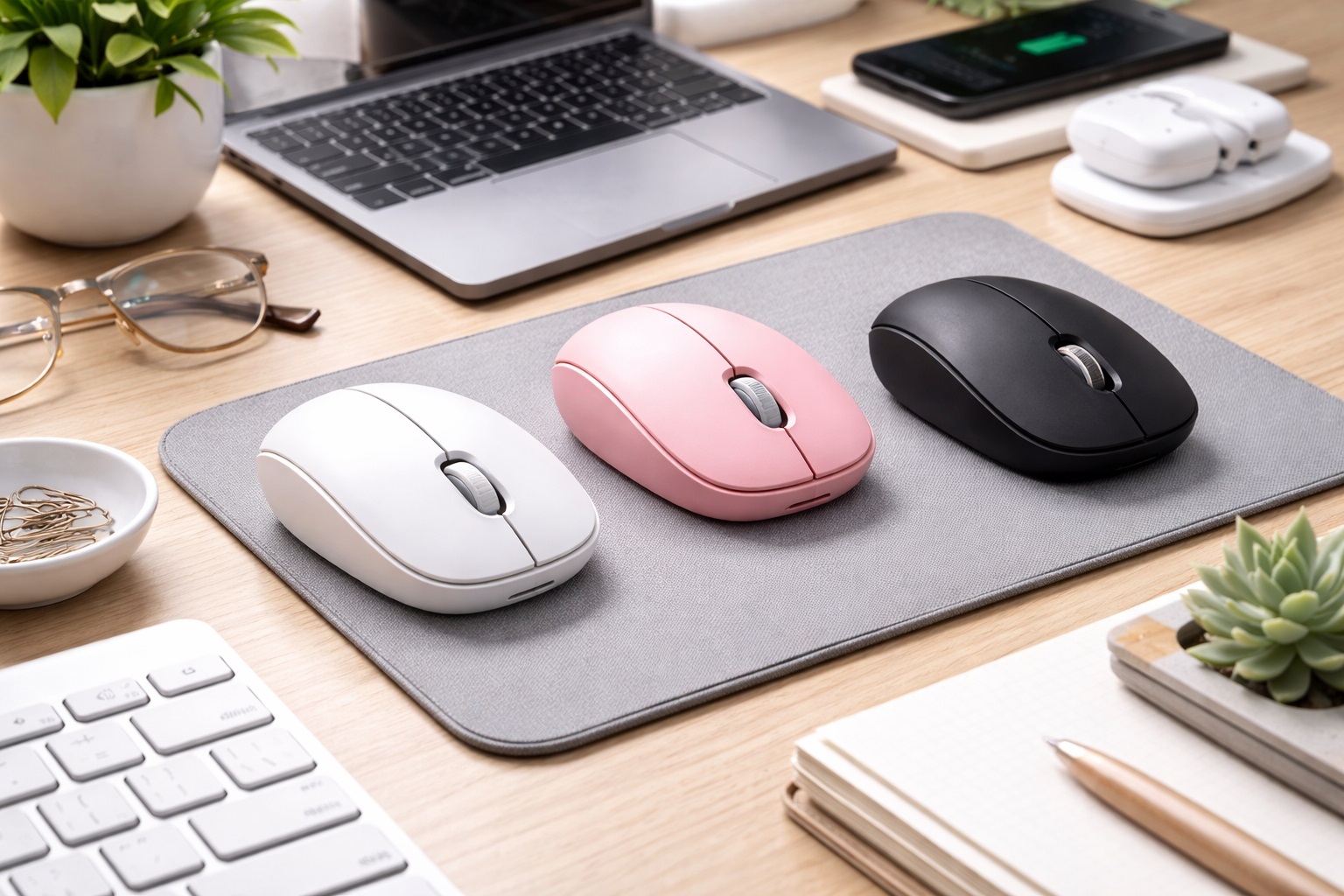
Best Wireless Mouse for Small Desk Setups in 2026: Precision in Tight Spaces
In 2026, the "Small Desk" movement has taken over home offices and urban apartments. Whether you're working from a converted closet (the "cloffice"), a narrow hallway console, or a cluttered café table, your desk real estate is precious. A standard desktop mouse can be too bulky and require too much "swing" room to be effective. The **best wireless mouse for small desks** must be three things: **Compact** (to leave room for your coffee), **High-Sensitivity** (to move across the screen with minimal physical movement), and **Multi-Device Ready** (to help you switch between a laptop and a tablet without needing two mice).
We've tested the latest "Mini" and "Vertical" mice specifically for their performance in confined spaces. We looked for the best "Trackball" designs (which require zero movement), ultra-slim profiles that can be tucked under a monitor stand, and silent clicks that keep your small workspace peaceful. Whether you're a minimalist, a professional in a home office, or a student in a dorm, these are the top picks for maximizing your efficiency in a small space.
Top 8 Best Mice for Small Workspace Setups (Detailed Reviews)
1. Logitech MX Anywhere 3S – The Tiny Precision Tool
The MX Anywhere 3S is the gold standard for small desks. It is 30% smaller than the flagship MX Master but contains the same 8,000 DPI "Darkfield" sensor. This high sensitivity is crucial for small desks: you can set the mouse to be so sensitive that a 1-inch movement on your desk moves the cursor across your entire 27-inch monitor. It also features a "MagSpeed" electromagnetic scroll wheel that is silent and incredibly fast. It pairs with three devices and tracks perfectly on glass or wood.
- Pros: Highest precision sensor, incredibly compact, silent electromagnetic scroll, 3-device multipoint.
- Cons: High price tag, can feel too small for "Palm" grip users with large hands.
Who should buy this: Professionals who want the absolute best precision with the smallest possible footprint.
2. Logitech ERGO M575 Trackball – The No-Movement Pick
The ultimate solution for a desk with **zero** room for movement is a trackball. With the M575, the mouse stays stationary. You move the cursor using your thumb on the integrated ball. This means you only need enough desk space for the mouse itself (about 5 inches). It eliminates the need for a mousepad and prevents you from constantly "bumping" into your keyboard or coffee mug. For 2026, it features an improved low-friction ball and a 2-year battery life.
- Pros: Requires zero physical movement on the desk, incredible ergonomic relief, works on any surface (including your lap), long battery life.
- Cons: Learning curve for the thumb ball, not suitable for competitive gaming.
Who should buy this: People whose desks are so small they literally have no "swiping" room.
3. Microsoft Surface Arc Mouse – The "Stealth" Minimalist
The Arc Mouse is the only mouse that can "disappear" when not in use. It features a unique bending design: when you use it, it arcs into an ergonomic shape; when you're done, you flatten it out. On a small desk, you can slide the flattened mouse under your laptop stand or even into a desk drawer like a ruler. For 2026, it features improved haptic scrolling and a more responsive Bluetooth connection across Windows and Mac.
- Pros: Folds completely flat for storage, ultra-minimalist aesthetic, elegant touch scrolling, lightweight.
- Cons: No physical scroll wheel, less comfortable for 8-hour shifts.
Who should buy this: Minimalists who want their desk to be completely "tech-free" when they aren't working.
4. Razer Pro Click Mini – The Silent Powerhouse
Don't be fooled by its size; this mouse is a productivity beast. It features "Silent Mechanical Switches," giving you a tactile feel without the audible "click-click" that can feel loud in a small, resonant room. It has 7 programmable buttons, which is rare for a small mouse. For a small desk, its "HyperScroll" wheel can tilt left and right, allowing you to scroll through large Excel sheets horizontally without needing to move the mouse an inch to the side.
- Pros: Silent clicks, 7-button customization, horizontal scrolling wheel, very high build quality.
- Cons: Uses AA batteries (not rechargeable), expensive.
Who should buy this: Spreadsheet power users and professionals who want maximum functionality in a "mini" package.
5. Logitech Pebble 2 M350s – The Quiet Beauty
The Pebble 2 is shaped like a smooth river stone and is only about 1 inch tall. On a small desk, its low profile makes it very unobtrusive. It is remarkably quiet (90% noise reduction), making it perfect for "cloffices" where sound might travel into the rest of the house. For 2026, it features a customizable middle button that you can set to trigger an AI assistant or a "Mute" toggle for Zoom calls. It’s also the most affordable high-quality pick on our list.
- Pros: Smallest vertical footprint, very affordable, ultra-quiet, fun color options.
- Cons: Basic sensor (doesn't work well on glass), not ergonomic for large hands.
Who should buy this: Students and casual users who want a simple, stylish, and quiet mouse for a small setup.
6. Kensington Pro Fit Ergo Vertical (Mini) – The Space-Saving Health Pick
Usually, "Vertical" mice are huge. Kensington has released a "Mini" version of their Pro Fit Ergo that is designed for smaller hands and smaller desks. It places your hand in a 60-degree "Handshake" position to prevent wrist pain. Because it is vertical, it actually occupies less **width** on your desk than a traditional mouse, leaving more room for your keyboard to sit comfortably next to it. It’s the perfect blend of ergonomics and space conservation.
- Pros: Ergonomic "vertical" design in a small size, silent clicks, improves wrist health, stable.
- Cons: Taller than flat mice (might not fit under some monitor stands), slightly heavier.
Who should buy this: Remote workers with wrist fatigue who operate in a narrow workspace.
7. Cooler Master MM712 – The Lightweight Speedster
If your small desk is also used for gaming, the MM712 is a secret weapon. It weighs only **58 grams** and features a high-end 19,000 DPI sensor. For a small desk, its lack of weight means you can move the cursor across the entire screen with the flick of a finger, requiring almost zero elbow or shoulder movement. It’s rechargeable via USB-C and features a clean, white "professional" look with the RGB lights turned off.
- Pros: Incredibly light, top-tier gaming sensor, works with Bluetooth or 2.4GHz, fast charging.
- Cons: Small size may be frustrating for users with very large hands, very light feel can be polarizing.
Who should buy this: Gamers and creative pros who want effortless movement in a tight space.
8. Lenovo Go USB-C Wireless Mouse – The Modern Standard
Lenovo’s "Go" series is built for the modern remote worker. This mouse is unique because it features a **USB-C Dongle**, which is perfect for new laptops that don't have the old, large USB ports. It also supports "Fast Charging"—just 15 minutes of charging gives you a full week of use. For a small desk, its utility button can be programmed to "Hide All Windows," instantly clearing your desktop and your mind when things get cluttered.
- Pros: USB-C dongle is a rarity, very fast charging, great for video calls, affordable.
- Cons: Simple design, lacks the high-end sensors of Logitech.
Who should buy this: Users who want a reliable, fast-charging mouse that matches their modern laptop setup.
Buying Guide: Managing A Small Workspace
Efficiency in a small space isn't just about the size of the mouse. Here are the four things that will make the biggest difference:
1. High DPI (Sensitivity) is Your Friend
On a small desk, you don't have room to "swipe." Look for a mouse with at least **4,000 DPI**. This allows you to set the sensitivity high in your computer settings. You should be able to move the cursor from the left side of the screen to the right with only about **half an inch** of physical movement. The Logitech MX Anywhere is the leader here with 8,000 DPI.
2. Trackballs: The Ultimate Space Hack
If your "desk" is actually just a small piece of wood or your lap, buy a trackball. Since the mouse doesn't move, you can place it anywhere—on top of a notebook, on the edge of a monitor stand, or on your thigh. It’s the only way to get true desktop productivity in a "zero-space" environment.
3. Multi-Device Flow
Many small desk users have a "Dual-Device" setup (e.g., a laptop for work and an iPad for notes). Don't use two mice! Look for a mouse with **Multi-Device Pairing**. You can use a button on the mouse (or even move the cursor off the edge of one screen) to automatically jump to the other device. This saves you from having two pieces of hardware on your tiny desk.
4. Silent Clicks (The Echo Effect)
Small spaces (like closets or hallways) tend to have more "echo." A standard mouse click can sound like a hammer. Look for **"Silent Switches" or "90% Noise Reduction."** It makes a massive difference in how peaceful your workspace feels, especially if you share the home with others.
FAQ: Small Desk Performance Advice
Do I need a mousepad for a small desk?
If your mouse has a high-end sensor (like the MX Anywhere or MS Arc), no. They work on wood, stone, or even glass. However, for a small desk, a **"Felt Desk Mat"** or a very small **"Circular Mousepad"** can help designate a specific "zone" for the mouse, keeping it from bumping into other items.
Why is my wireless mouse lagging in a corner?
If your small desk is in a corner or near a concrete wall, wireless signals (Bluetooth) can reflect and cause "lag." Try using the **2.4GHz USB Dongle** if your mouse came with one. USB dongles provide a more stable and direct connection than Bluetooth in "challenging" signal environments.
Will a small mouse give me hand cramps?
It can if you use a "Palm" grip. For small mice, you should move to a **"Claw" or "Fingertip"** grip. If you have large hands and a small desk, the **Logitech M575 Trackball** is actually better because it supports your whole palm while requiring zero desk space for movement.
Can I use these mice with an iPad?
Yes! Every mouse on this list with Bluetooth is compatible with iPadOS. It makes working on a small table much more like using a desktop computer.
How do I keep my small desk organized?
Use a **Vertical Laptop Stand** and a **Monitor Arm**. This lifts your tech off the desk surface, leaving the entire area clear for your keyboard and mouse. A small mouse (like the Pebble 2) can then slide right under the monitor when not in use.
Final Verdict: The Winner for Your Nook
- The Best All-Rounder: The Logitech MX Anywhere 3S for its 8,000 DPI sensitivity.
- The True Space Saver: The Logitech M575 Trackball for requiring zero movement.
- The Silent Budget choice: The Logitech Pebble 2 for its quiet, flat profile.
A small desk shouldn't mean small productivity. By choosing a wireless mouse that is designed for precision and compactness, you're turning your "limited" space into a high-performance workspace. Clear your clutter, focus your mind, and get to work!