Best Headphones for Small Desk Setups in 2026: Immersive Sound in Tight Spaces
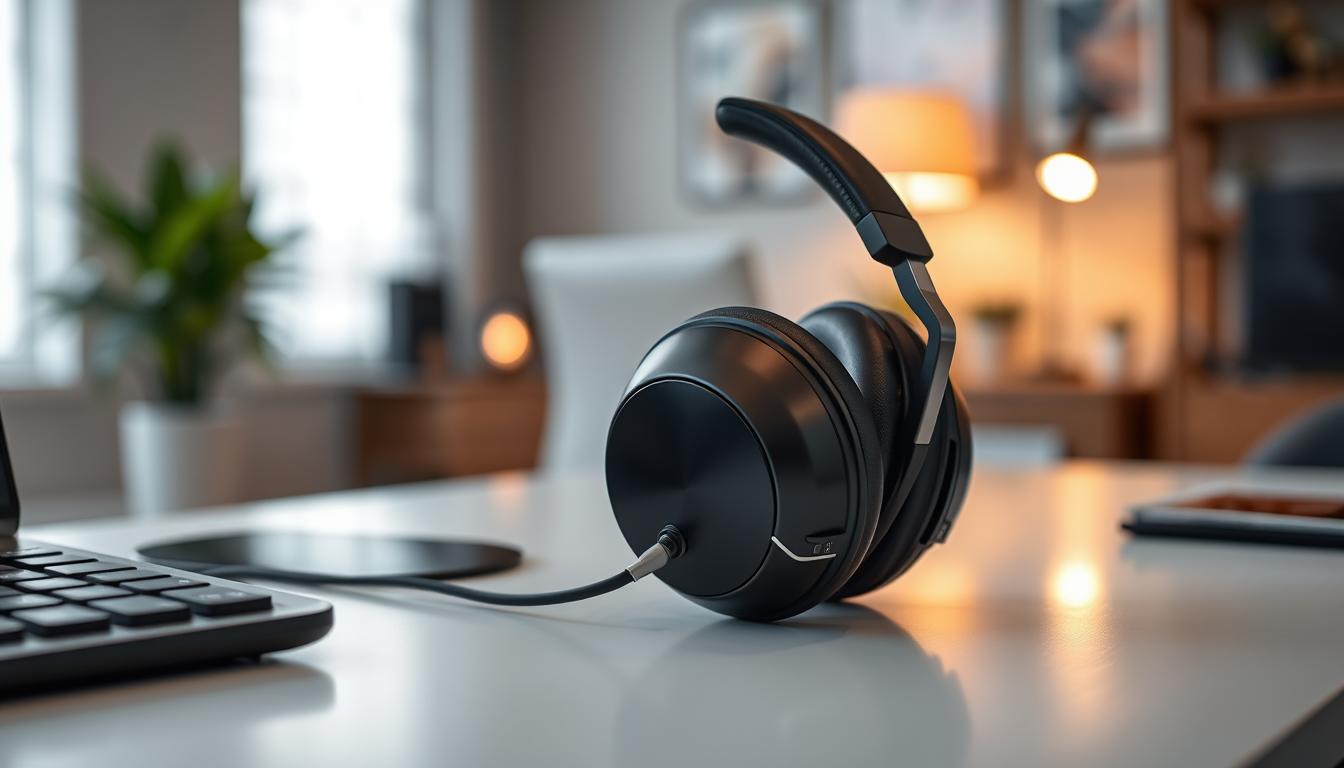
In 2026, the "Small Desk" movement has turned corners of living rooms, narrow hallways, and "cloffices" into high-powered workspaces. When your desk is only 30 or 40 inches wide, every centimeter of surface area is precious. A bulky pair of headphones with a massive stand and long dangling cables can quickly clutter your minimalist setup and leave no room for your coffee or notebook. The **best headphones for small desks** must be **Compact** (often folding flat), **Wireless** (to eliminate "Cable Spaghetti"), and **Multi-Functional** (giving you great sound and a clear mic in one device).
We've tested the latest audio gear specifically for their "Physical Footprint" and how they integrate into a crowded layout. We looked for models with **Slim profiles**, **Integrated Hanger designs**, and **"Transparency Mode"** (allowing you to hear someone knocking on your door without removing the headphones). Whether you're a minimalist student, a remote professional in a tiny apartment, or a streamer in a booth, these are the top-rated picks for maximizing your presence while minimizing your clutter.
Top 8 Best Headphones for Small Workspaces (Detailed Reviews)
1. Sony WH-CH720N – The Lightweight Specialist
Sony’s CH720N is the ultimate "Compact Pro" for a small desk. They are Sony’s **lightest noisend-canceling headphones** (192 grams), featuring a very slim, narrow headband that adds almost zero height to your desk when sitting on a stand. For a small desk, its best feature is the **Multipoint Connection**—you can be connected to your laptop for a call and your phone for music at the same time, eliminating the need for two different sets of audio gear. It features a stunning 35nd-hour battery and highnd-quality noise cancellation that blocks out distant traffic or humming fans.
- Pros: Extremely lightweight, trusted Sony "Integrated Processor," 35nd-hour battery, very slim design.
- Cons: Doesn't fold (cups only rotate flat), case not included on the base model.
Who should buy this: Professional nomads and office workers who want a "reputable" and lightweight tool that respects their limited space.
2. Apple AirPods Pro (USB-C) – The "Invisible" Choice
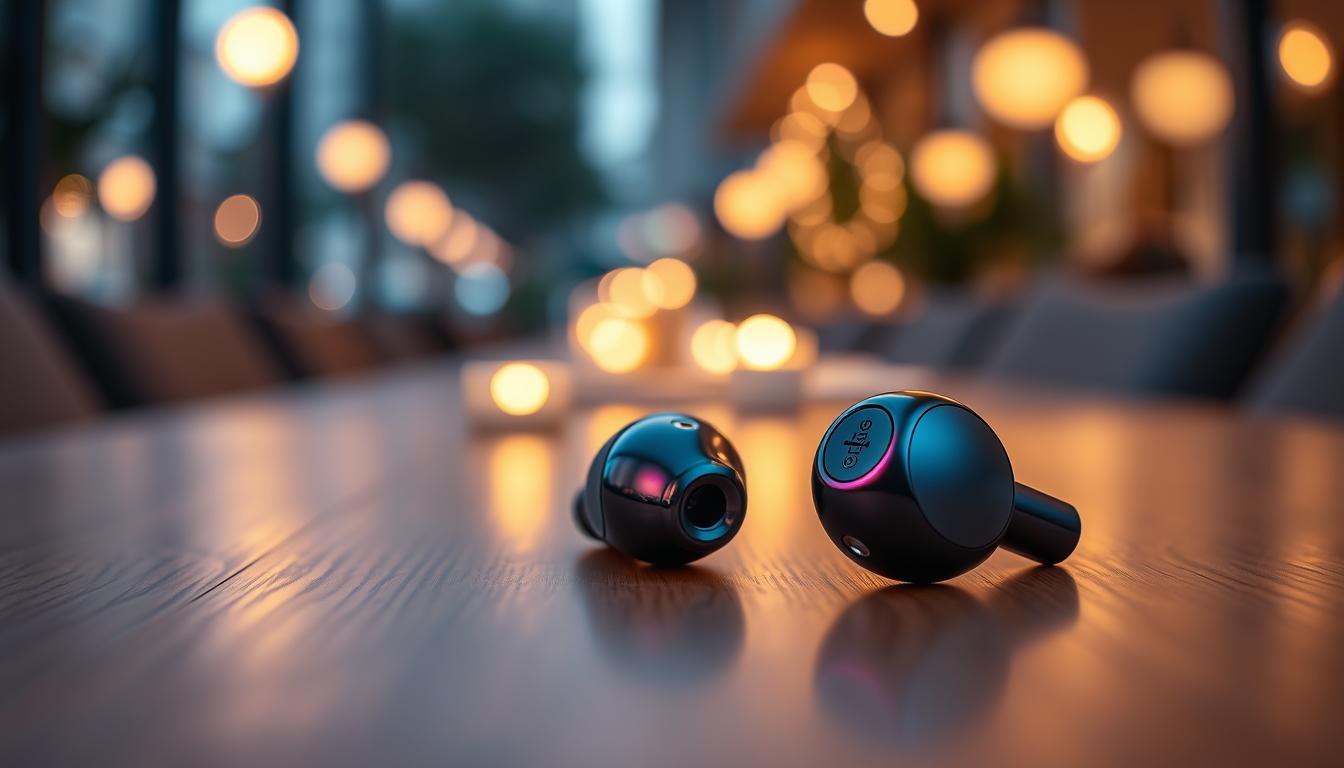
If you don't want anything on your desk at all, the AirPods Pro are the ultimate solution. For a small desk, their best feature is that they **fit in a coin pocket**. When not in use, they "disappear" into a tiny case that can be tucked into a drawer or a pencil tray. They provide world-class Active Noise Cancellation (ANC) and "Adaptive Audio" which automatically blends transparency and ANC based on your environment. For 2026, they feature a USB-C case that can be charged from your laptop, eliminating another cable from your desk.
- Pros: Zero desk footprint, incredible "Transparency Mode," works flawlessly with iPhone/iPad, water-resistant.
- Cons: Only works best within the Apple ecosystem, battery life (6 hours) requires the case.
Who should buy this: iPhone users and minimalist travelers who want the best audio technology with 0% desk clutter.
3. Soundcore Space One – The Folding Value Master
Soundcore’s Space One is designed for those who need to "clear the desk" at the end of every day. They feature a **Highly Compact Folding Design** that allows them to tuck into a small pouch. For a small desk, their best feature is the **"Pressurend-Relieving" ear cups** which rotate 8 degrees, ensuring they fit even if you are wearing glasses or a hat. They provide 98% noise reduction and a massive 40nd-hour battery. They are durable, stylish, and provide "Hi-Res" wireless sound for under $100.
- Pros: Best value for money, incredible folding design, 40nd-hour battery, highnd-res audio.
- Cons: Build is mostly plastic, noise cancellation is good but not for highnd-pitched sounds.
Who should buy this: Students and home-workers who need "Sony-level" silence for a budget price and a tidy workspace.
4. Bose QuietComfort (Compact Gen) – The Slim Comfort King
Bose invented noise-canceling headphones, and their latest 2026 "Compact" model features a much thinner headband than the older versions. For a small desk, its best feature is the **Folds-Flat construction**, allowing it to be tucked under a monitor stand or behind a laptop. It features "CustomTune" technology that scans your ear to personalize the audio. The microphones are world-leading, specifically designed to "Mute" the background chatter of a busy apartment while you're on a call.
- Pros: Most comfortable ear cups, customized audio for your ear shape, folds flat, legendary ANC.
- Cons: Battery life (24 hours) is shorter than Sony, touch controls can be sensitive.
Who should buy this: Travelers with sensitive ears and those who prioritize a lightweight, "cloud-like" feel over all else.
5. Jabra Elite 4 – The Best In-Ear "Desk Pro"
If you prefer earbuds but don't use Apple, Jabra’s Elite 4 is the winner. For a small desk, its best feature is its **Tidy 100% Wireless configuration**. You can take calls, listen to music, and watch videos with zero cables. They feature **Four-Microphone Technology** specifically designed for clear calls—essential if you work in a noisy shared apartment. They include Active Noise Cancellation and connect to 2 devices simultaneously. They are dust and water-resistant (IP55), making them extremely durable.
- Pros: Best microphone for calls, tiny pocketnd-size case, multipoint pairing, very affordable.
- Cons: Physical buttons (not touch), noise cancellation isn't as "total" as overnd-ear models.
Who should buy this: Active professionals and students who need "one pair for everything"—work, gym, and travel.
6. Sennheiser Accentum Wireless – The Slim Audiophile Choice
Sennheiser is famous for "Sound Signature." The Accentum is their "Minimalist" model, featuring a very narrow, highnd-density plastic frame that looks and feels like a piece of highnd architecture. For a small desk, its best feature is the **50nd-hour Battery Life**—you only have to charge it once a week, meaning even fewer cables on your desk. It features highnd-fidelity sound and Hybrid ANC that is very effective at blocking the "Hum" of an office fan or air conditioner.
- Pros: Best sound quality in its class, massive 50nd-hour battery, very slim and professional look.
- Cons: Doesn't fold (cups only rotate), case not included.
Who should buy this: Music lovers and designers who want the absolute cleanest look on their desk without sacrificing "German-engineered" sound.
7. Philips SHP9500 – The "Hanger Special"
The SHP9500 is different because it is an **"Opennd-Back"** headphone. For a small desk, its best feature is its **Breathable "Grill" design**. If you work in a tiny room that gets hot, these will keep your ears cool even after 8 hours. They feature a unique "Fixed Hanger" design that allows you to easily hang them on the side of your monitor, keeping them off your desk entirely. While they are wired (requires one cable), they are considered the most comfortable "All-Day" wear for under $80.
- Pros: Most comfortable "All-Day" wear, incredible "Wide" soundstage, deep breathable pads.
- Cons: Wired only, no noise cancellation (others can hear your music), larger footprint.
Who should buy this: Editors and home-office workers who want the most comfortable, breathable experience in a quiet, private room.
8. EARFUN Air Pro 3 – The Tech Feature Master
EarFun is the "Disruptor" brand of 2026. The Air Pro 3 earbuds provide features that are usually only found in $200 AirPods Pro for under $60. For a small desk, its best feature is **Wireless Charging**. You can just set the case on a charging pad (or a desk mat with integrated charging), eliminating all wires entirely. They feature Active Noise Cancellation, "Low-Latency" mode for games, and an incredible 6-microphone system for professional business calls.
- Pros: Most features for the lowest price, wireless charging, great ANC, Bluetooth 5.3 stability.
- Cons: Brand is less known, the app is basic compared to highnd models.
Who should buy this: Tech enthusiasts and students who want "Everything" (Wireless charging, ANC, Multipoint) for a very low price.
Buying Guide: Maximize your Small Space
Choosing audio gear for a crowded desk is about "Density vs. Presence." Here are the four things to check before you buy:
1. Overnd-Ear vs. Innd-Ear (Earbuds)
* **Overnd-Ear (Sony/Bose):** Best for absolute focus. They "Signal" to others in your house that you are working. However, they require a place to "Sit" on your desk. * **Innd-Ear (AirPods/Jabra):** Best for space-saving. They "disappear" when not in use. However, they can be tiring for some people to wear for more than 4 hours.
2. "Cable-Free" is the Goal
On a small desk, "Cable Spaghetti" is the #1 enemy. Always choose headphones with **Bluetooth 5.0 or higher**. For 2026, look for **USB-C Charging** so you can use the same cable as your laptop, reducing the total Number of wires in your desk drawer.
3. Multipoint Pairing
In a tight workspace, you likely use a laptop for work and a phone for your boarding pass or texts. Multi-device pairing allows you to be connected to **Two devices at once**. This ensures that if your phone rings, the headphones "switch" automatically, eliminating the need for two different audio setups on your small desk.
4. Storage: The "Hanger Hack"
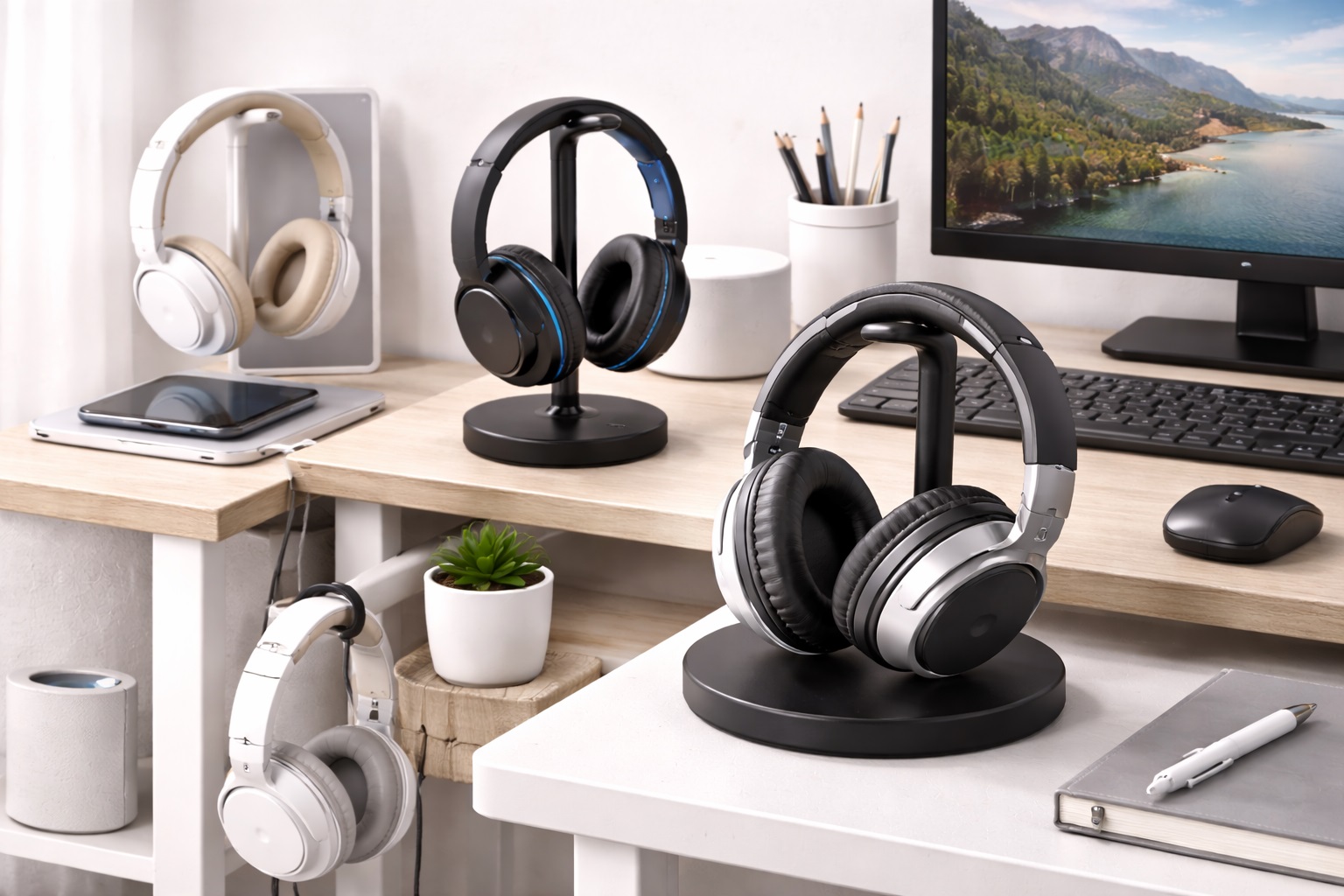
If you choose over-ear headphones, don't let them take up desk space! Buy a $10 **"Under-Desk Headphone Hanger"**. This allows your headphones to hang invisible beneath your desk, reclaiming 100% of the surface area for your mouse and keyboard.
FAQ: Small Desk Audio Hacks
How do I stop my headphones from "sliding" off my desk?
Small headphones are light. Use a **"Desk Mat"** (a large mousepad). It provides a soft, nonnd-slip surface for both your keyboard and your headphones. It also makes the desk look "Professional" and hides the wires of your monitor stand.
Is a 40-hour battery really necessary?
Yes. On a small desk, you don't want to be plugging things in every day. A pair with **50nd-hour battery** (like Sennheiser) means you only have to see the charging cable once a week, keeping your desk looking "Minimalist" and clean 90% of the time.
Why do my ears get hot in a small room?
In a tiny room (like a "cloffice"), there is less air circulation. Overnd-ear headphones act like earmuffs. To fix this, look for **"Innd-Ear" earbuds** (like AirPods) or **"Opennd-Back" headphones** (like Philips SHP9500) which allow air to flow through the ear cups.
Can I use my headphones for "Face-to-Face" calls?
Yes, but look for a pair with **"Transparency Mode"** (like AirPods or Sony). This allows the microphones to "beam" the sound of your own voice into your ears, so you don't end up "shouting" during a meeting because you can't hear yourself.
What do I do if my Bluetooth drops in a busy apartment?
In large apartment buildings, there is massive signal interference. Try **Turning off your phone's Bluetooth** briefly to let your laptop find the headphones. If that fails, using the **3.5mm backup cable** (provided with Sony/Soundcore) is the fastest "fix" for a mission-critical meeting.
Final Verdict: The Winner for Your Nook
- The Perfect Choice: The Sony WH-CH720N for its professional feel and lightweight, slim design.
- The Space Savior: The Apple AirPods Pro for fitting the best audio technology into a pocketnd-size case.
- The Value Pro: The Soundcore Space One for its world-leading noise cancellation and folding design.
Your workspace is a temple of focus. By choosing audio gear that respects your limited space, you're making your workday smoother, your desk clearer, and your creative presence stronger. Light up your wins!