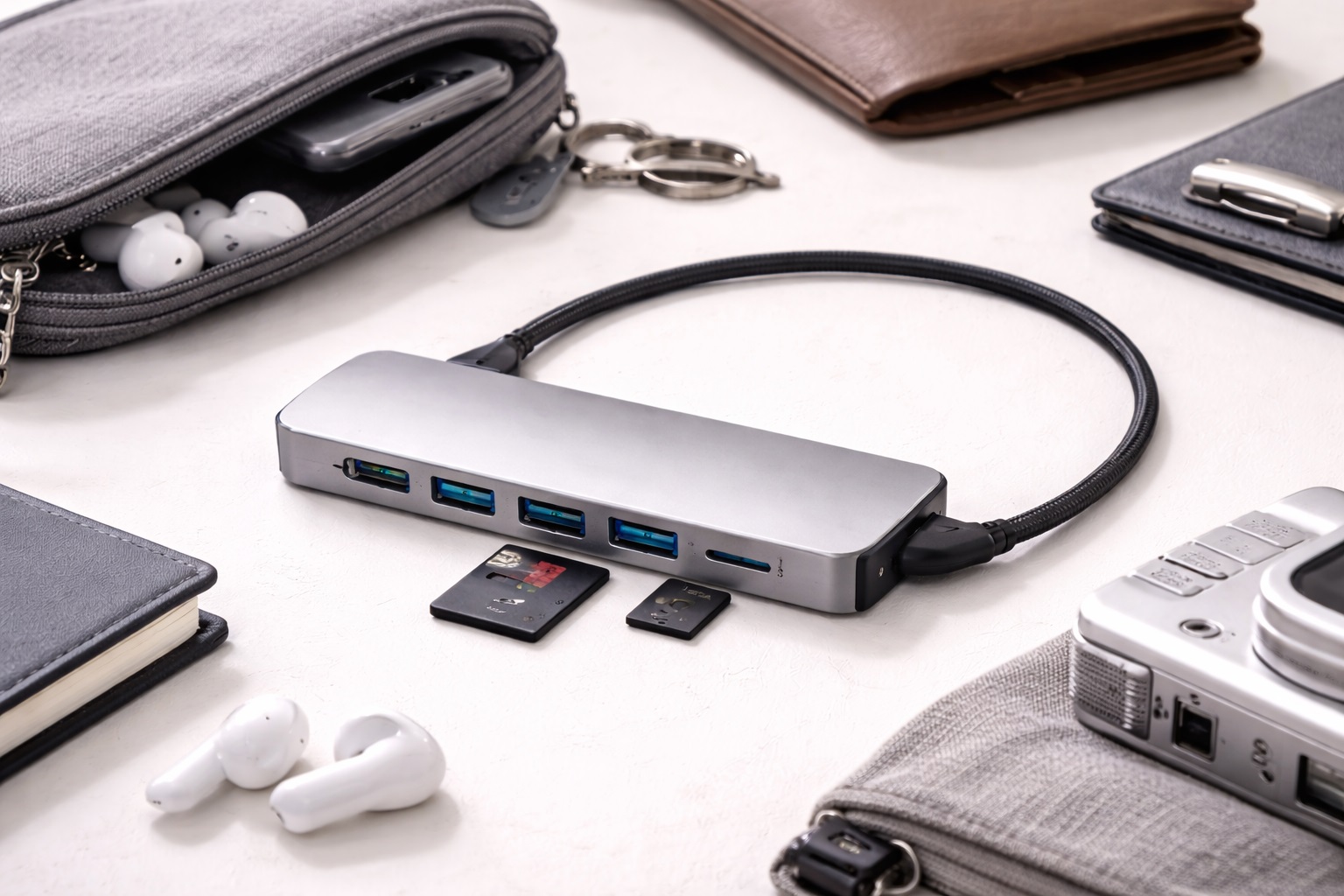
Best Lightweight USB Hub in 2026: Feather-Light Connectivity for Your Bag
In the age of ultralight laptops and digital nomadism, every gram counts. Bringing a heavy desktop-style dock into your backpack defeats the purpose of buying a thin laptop. In 2026, the **best lightweight USB hub** offers a complete range of ports—HDMI, Ethernet, and multiple USB connections—while weighing less than a standard chocolate bar. Thanks to high-density plastics and ultra-thin aluminum alloys, these hubs are now "invisible" in your bag but powerful enough to run a full office workstation.
We've focused our testing on hubs that weigh under **100 grams** (3.5 oz). We prioritized designs that are physically small (low footprint), feature flexible "anti-tangle" cables, and maintain high performance without needing a massive, heavy metal case for heat dissipation. Whether you're an ultralight traveler, a student moving between classes, or a commuter, these are the lightest reliable USB hubs on the market today.
Top 8 Best Lightweight USB Hubs (Detailed Reviews)
1. Anker 332 USB-C Hub (5-in-1) – The Ultralight Basic
The Anker 332 is the definition of "featherweight productivity." It weighs only **64 grams** (2.2 oz). For this weight, you get a full-size HDMI port for your TV/Monitor, two USB-A ports for a mouse and keyboard, a USB-C data port, and 100W Power Delivery. It uses a high-grade matte plastic that is much lighter than aluminum but still feels incredibly durable. It is about the size of a candy bar and fits into even the smallest pocket of a laptop bag.
- Pros: Extremely light (64g), very thin profile, includes all basic ports, trusted Anker reliability.
- Cons: No SD card slot or Ethernet, plastic build doesn't dissipate heat as fast as metal.
Who should buy this: Commuters and students who just need basic ports for the lowest possible weight.
2. Satechi Aluminum USB-C Slim Multi-Port – The Slim Aesthetic
Satechi’s Slim model weighs **80 grams** (2.8 oz). It is incredibly thin—about 0.4 inches—making it the ideal companion for a MacBook Air or iPad Pro. It features HDMI, SD and MicroSD card slots, and two USB-A 3.0 ports. Its aluminum shell is designed specifically to match the weight and feel of high-end ultrabooks. It’s a dense, premium piece of tech that provides exactly what you need without a single millimeter of wasted space.
- Pros: Very thin and lightweight, premium aluminum build, includes SD slots, beautiful design.
- Cons: No Ethernet, 4K video is limited to 30Hz, can get quite warm.
Who should buy this: iPad and MacBook users who want a "jewelry-grade" hub that is light and professional.
3. HyperDrive SLIM 8-in-1 – The Lightest Port Monster
Hyper (by Targus) has managed a miracle: an 8-port hub that weighs only **90 grams** (3.1 oz). This hub includes things that usually add a lot of weight, like a Gigabit Ethernet port (which uses a "flip-open" design to save space), 4K@60Hz HDMI, three USB-A ports, and SD/MicroSD slots. It is finished in a high-end matte aluminum and is the thinnest "full-featured" hub in the world. It provides the best "Ports-per-Gram" ratio on the market.
- Pros: Most ports for the weight, includes Ethernet and 4K@60Hz video, ultra-thin, premium build.
- Cons: Expensive, can be fragile due to its thinness, gets very hot under heavy load.
Who should buy this: Digital nomads and power users who need "everything" but track every gram in their luggage.
4. Belkin Connect 5-in-1 Hub – The Flexible Feather
Belkin’s standard 5-in-1 hub weighs **75 grams** (2.6 oz). Its standout feature isn't just the weight, but the **Cable Flexibility**. It uses a specialized "Soft-Touch" cable that is much lighter and more bendable than standard cables. On a small desk or airplane tray table, this is a lifesaver—the cable won't "push" the hub around. It features HDMI, two USB-A ports, and SD slots. It’s a very safe, world-class choice for a lightweight bag.
- Pros: Very flexible and light cable, reliable brand reputation, includes SD slots, compact.
- Cons: Fewer ports than the HyperDrive, standard 5Gbps data speeds.
Who should buy this: Business travelers who want a simple, high-quality, and "bendable" hub for their bag.
5. uni USB-C Hub (6-in-1) – The Rugged Light Pick
Uni hubs are famous for their **Braided Nylon Cables**, which are much lighter than thick rubber ones. This hub weighs **82 grams** (2.9 oz). It features a "rugged" aluminum shell that is hollowed out to save weight while maintaining high structural strength. It offers HDMI, SD card slots, and two USB-A ports. For a light user, it’s great because it’s nearly indestructible—you can throw it in a gym bag or a "junk drawer" without worrying about it.
- Pros: Lightweight braided cable, indestructible build, great heat management, affordable.
- Cons: Basic features only, fixed cable.
Who should buy this: Students and "one-bag" travelers who need a light hub that can actually take a beating.
6. Kingston Nucleum – The USB-C Centric Light
The Nucleum weighs **92 grams** (3.2 oz). For a light hub, its unique feature is that it includes **Two USB-C ports** (one for charging, one for data). Most light hubs "eat" your only USB-C port and only give you USB-A back. The Nucleum lets you keep your specialized USB-C gear connected. It also features HDMI and SD card slots. It’s finished in a very high-quality plastic and metal mix that feels solid but stays incredibly light.
- Pros: Dual USB-C ports, very accurate tracking, great for photographers, professional build.
- Cons: No Ethernet, integrated cable is a bit thick.
Who should buy this: Tech-forward users who have mostly moved to USB-C cables and need a light, multi-functional bridge.
7. Baseus 7-in-1 USB-C Hub – The Minimalist Budget Choice
This Baseus "Stick" model is purely about "Thin and Light." It weighs **68 grams** (2.4 oz) and is roughly the thickness of a standard pencil. For under $40, it provides 100W Power Delivery, HDMI, and three USB 3.0 ports. For 2026, it features an improved internal controller that is smaller and lighter than before. It’s the perfect choice for someone who wants to lighten their "EDC" (Everyday Carry) on a budget.
- Pros: Very affordable, extremely light and thin, 100W charging, 3 USB ports.
- Cons: 4K HDMI is basic 30Hz, plastic end-caps can scuff easily.
Who should buy this: Remote workers and students who want to reduce their bag weight for the lowest price.
8. Microsoft USB-C Travel Hub – The Tidy Traveler
Microsoft’s travel hub weighs **99 grams** (3.5 oz). Its best feature for light travelers is **Cable Management**. The cable wraps around the edge of the hub and tucks into the body, so there are no dangling wires in your bag. It features HDMI, VGA (rare!), Ethernet, and one USB-A port. While it's at the top of the "light" weight limit, its ability to stay tidy in a bag makes it feel "lighter" in practice than a jumble of cables.
- Pros: Tidy integrated cable, includes VGA and Ethernet, very high build quality, professional.
- Cons: Expensive, only one USB-A port (can't connect a mouse and keyboard at once).
Who should buy this: Business professionals who frequently present using old office equipment (VGA) and value a tidy bag.
Buying Guide: Decoding Laptop-Light Specs
When you're shopping for lightweight gear, you need to understand where the weight actually comes from. Here are the four things to check:
1. Shell Material (Plastic vs. Aluminum)
Aluminum is great for heat, but it is heavy. High-end **Matte Plastic** (like on the Anker 332) can save you 20-30 grams. If you only use your hub for a mouse and occasional HDMI, plastic is fine and lighter. If you run multiple external drives all day, you MUST have aluminum to keep things cool.
2. "Cable Clutter" vs. Practice
A hub that weighs 60g but has a 12-inch stiff rubber cable is "heavier" in your bag than a 90g hub with a tucked-away cable. Look for **Integrated Cable Storage** or **Braided Cables**. These take up less volume and don't get tangled, which is the "real" goal of traveling light.
3. Port Density
Don't carry what you don't use. If you don't have an Ethernet cable, don't buy an Ethernet hub—you’re carrying around about 15 grams of "dead weight." The lightest hubs (like Anker 332) focus on the 90% of what users actually need: HDMI and USB-A.
4. HDMI Refresh Rate (The "Pro" Light Weight)
If you're a professional, weight is secondary to performance. Look for **4K@60Hz**. At under 100g, the HyperDrive and Anker 555 are the leaders. A 30Hz hub will make your workstation feel slow, even if it makes your bag feel light.
FAQ: Lightweight Tech Maintenance
Are lightweight hubs more dangerous to my laptop?
No. Performance and safety are determined by the **Internal Chips**, not the weight of the case. As long as you stick to the brands in this guide (Anker, Belkin, Satechi, etc.), your laptop stays safe. Avoid $5 "no-name" hubs from discount sites—those can actually short-circuit your machine.
Why do lightweight hubs get so hot?
Physics! A smaller, lighter hub has less surface area to release heat. If you're charging a laptop, running a monitor, and copying files all at once, the hub WILL feel hot. This is normal. Just make sure the hub isn't covered by papers or sitting in direct sunlight.
Can I use a lightweight hub with an iPad?
Yes! Every hub on this list works perfectly with iPads (since 2024). In fact, because these hubs are so light, they don't "pull" on the iPad's port as much as heavy desktop docks, making them much safer for tablet use.
Do I need a protective case for my hub?
If it’s an aluminum one like Satechi, yes—scratching your expensive laptop with your expensive hub is a common mistake. If it’s a plastic one like Anker 332, just toss it in an internal bag pocket. You don't need a dedicated case for the hub itself.
How long will these hubs last?
A high-quality hub should last **3 to 5 years**. The most common failure point is the integrated cable. To make it last, never "yank" the cable and try to avoid bending it at sharp angles when packing your bag.
Final Verdict: The Winner for Your Pocket
- The Absolute Lightest: The Anker 332 for its 64g featherweight build.
- The Port Leader: The HyperDrive SLIM for the most ports in a tiny package.
- The Style King: The Satechi Slim for matching the look and weight of a MacBook.
Success in 2026 is about being mobile without being limited. By choosing a high-tech, lightweight USB-C hub, you're gaining the power of a desktop workstation with the weight of a smartphone. Lighten up and connect up!