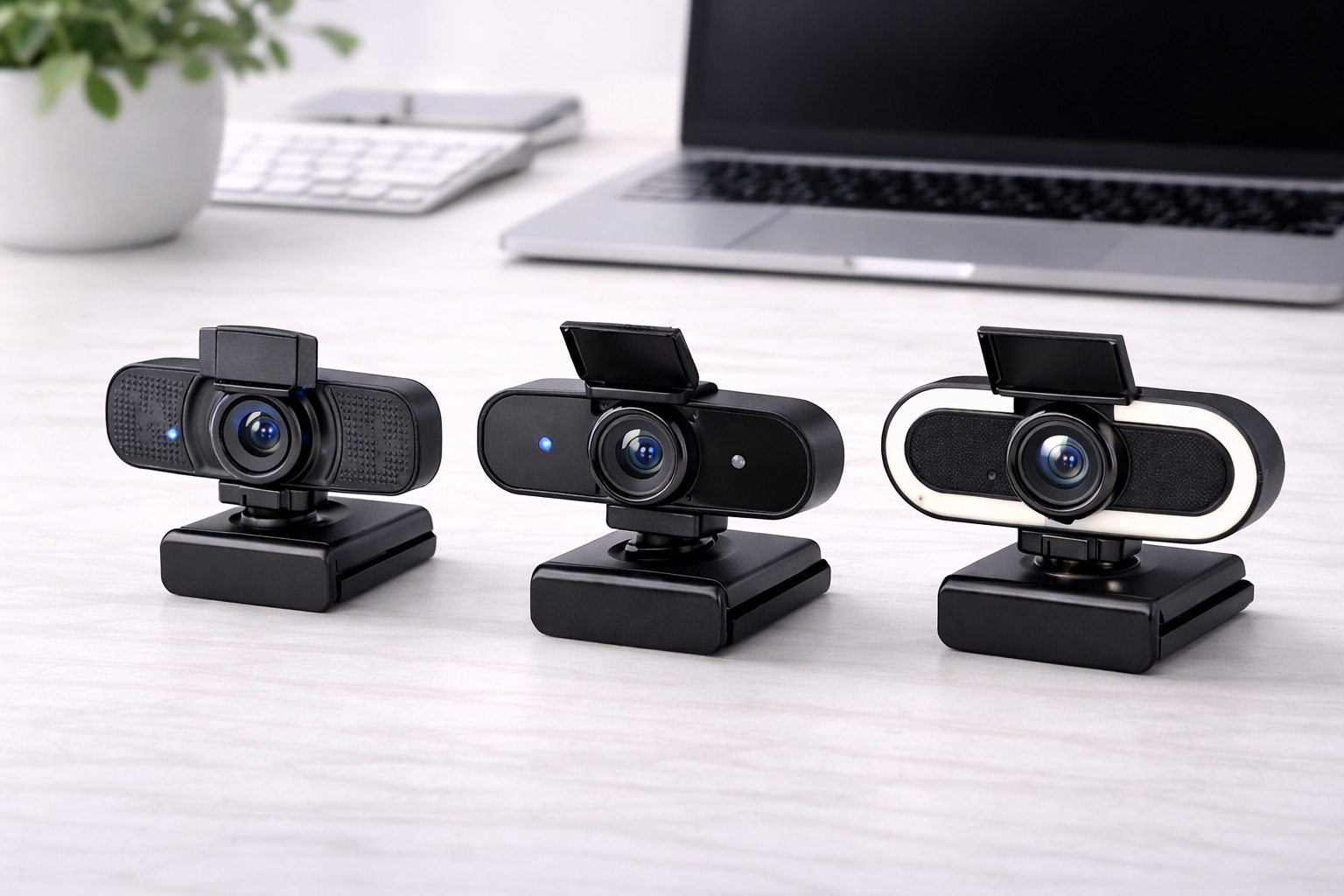
Best Webcam for Small Desk Setups in 2026: Professional Video in Tight Spaces
In 2026, the "Small Desk" movement has turned corners of living rooms, narrow hallways, and "cloffices" into high-powered workspaces. When your desk is only 30 or 40 inches wide, every piece of technology must "earn its keep" by being as compact as possible. A bulky webcam with a massive base and long dangling wires can quickly clutter your minimalist setup. The **best webcam for small desks** must be **Slim** (to fit on thin monitors or laptop lids), **Tidy** (with smart cable management), and **Versatile** (often featuring built-in lighting to replace separate desk lamps).
We've tested the latest cams specifically for their "Physical Footprint" and how they integrate into a crowded layout. we looked for models that use the "Dead Space" on top of your monitor, feature highnd 1080p or 4K quality without the bulk, and provide wide-angle lenses that make your small room look "Big" and professional. Whether you're a minimalist student, a remote professional in a tiny apartment, or a streamer in a booth, these are the top-rated picks for maximizing your presence while minimizing your clutter.
Top 8 Best Webcams for Small Workspaces (Detailed Reviews)
1. Logitech Brio 500 – The Minimalist's Dream
The Logitech Brio 500 is the ultimate "Compact Pro." It features a very thin, cylindrical design that adds almost zero height to your monitor. Its best feature for a small desk is **"Show Mode,"** which allows you to tilt the camera down to show your physical desk (like a notebook) without the camera falling off. It features "RightLight 4" technology that automatically adjusts your exposure, ensuring you look bright even if you don't have room for a desk lamp. It is finished in a beautiful matte material that looks highnd but stays out of the way.
- Pros: Very slim design, "Show Mode" for desk-sharing, built-in privacy shutter, excellent auto-light.
- Cons: Fixed USB-C cable (takes up a port), 1080p only (no 4K).
Who should buy this: Professional nomads and students who want a "set it and forget it" tool that looks very "clean" on a small desk.
2. Anker PowerConf C200 – The Cube Champion
Anker’s C200 is a tiny "Cube" that is roughly 1.5 inches square. It's one of the smallest high-powered cameras on the market, yet it provides **2K (1440p) resolution**. For a small desk, its best feature is the **Adjustable Field of View (FOV)**. You can set the FOV to a narrow 65 degrees, which crops out the clutter in your room, or a wide 95 degrees if you're presenting a board. It includes a built-in privacy shutter and dual noise-canceling mics, all in a device that fits in the palm of your hand.
- Pros: Smallest footprint for 2K video, adjustable "Clutter-Free" field of view, very affordable, highnd mics.
- Cons: Plastic build, 2K is limited to 30fps.
Who should buy this: Users in very messy or small rooms who want to "Crop Out" their background and look professional in 2K detail.
3. Razer Kiyo Pro – The "No-Lamp-Needed" King
On a small desk, there is often no room for a professional desk lamp. The Razer Kiyo Pro solves this with an **Adaptive Light Sensor** that is significantly larger than standard webcams. It can record 1080p at 60fps even in very dim environments without needing any extra lights. It features a rugged, "Lensnd" design that is very high-quality and includes a **Removable USB-C Cable**. This allowing you to use a shorter cable to keep your small desk free of "Cable Spaghetti."
- Pros: Best-in-class low light (no need for lamps), 60fps for smooth motion, removable cable for tidy desk.
- Cons: Thicker and heavier than most, higher price point.
Who should buy this: Professionals who work in dark "Cloffices" or small bedroom corners and want the cleanest desk possible.
4. Microsoft Modern Webcam – The Ultra-Thin Specialist
Microsoft’s entry is built specifically to look "Invisible." It is about the size of a box of matches and weighs almost nothing. It provides 1080p HDR video and features a very reliable physical privacy shutter. For a small desk traveler, its best feature is the **universal mount** that is very thin, allowing you to close your laptop (if it's on a stand) without removing the camera. It’s a no-frills, 100% reliable tool that is built to the same strict standards as Surface hardware.
- Pros: Smallest total volume, HDR prevents "washed out" look, very discreet, reliable privacy shutter.
- Cons: Fixed 78-degree field of view, basic microphones.
Who should buy this: Corporate professionals who want an "Integrated" look on their laptop or thin monitor.
5. Insta360 Link – The AI Space-Saver
The Insta360 Link is a miracle of miniature engineering. It is an AI-powered 4K webcam on a **3-axis Gimbal**. For a small desk, this is brilliant because you don't need to physically move your camera to point it at different items—it "follows" you automatically. It features "Gesture Control," allowing you to zoom in and out by just holding up a hand. It folds into a tiny, protective cube when not in use. It providing a "Professional Producer" look from a device that takes up almost no visible space on your monitor.
- Pros: 4K resolution, AI tracking, folds for protection, keeps a small room looking huge.
- Cons: Most expensive on our list, gimbal can be sensitive to bumps.
Who should buy this: Presenters, teachers, and creators who need high-quality 4K and AI movement in a tiny booth or room.
6. Dell UltraSharp 4K Webcam – The "Tube" Design
Dell’s UltraSharp 4K features a "Tubular" design that is very efficient for small monitor setups. It features a Sony STARVIS sensor—the same type used in highnd security cameras—providing incredible 4K detail even in bad lighting. Its best feature for a tidy desk is the **Magnetic Mount**. When you're done with a call, you can just "Snap" the camera off its magnetic base and put it in a drawer, keeping your desk completely empty. It includes AI "Auto-Framing" that keeps you centered as you sit.
- Pros: Professional 4K quality, magnetic quick-detach, heavynd aluminum build, very tidy.
- Cons: No internal microphone (requires a separate mic or laptop mic), larger than "slim" models.
Who should buy this: Executives and highnd designers who want the absolute sharpest image but hate the look of a permanent camera on their monitor.
7. NexiGo N930E – The "Ring-Light Included" Solution
If you don't have room for a desk lamp, the NexiGo N930E provides a **Built-in Ring Light** with 3 levels of brightness. This allows you to look perfectly illuminated even if your small desk is in a dark corner. It provides 1080p video and features a 90-degree wide field of view. While it’s slightly thicker than standard webcams, the fact that it combines a light and a camera into one device saves you from having two separate "clunk" objects on your desk.
- Pros: Built-in light is a space saver, very affordable, plug-and-play simplicity, wide-angle lens.
- Cons: Light is small (doesn't replace a real studio), 1080p basic quality.
Who should buy this: Students and home-workers in tiny bedrooms who want "Beauty Lighting" without a bulky ring light stand.
8. OBSBOT Tiny 2 Lite – The Compact AI Tracker
The Tiny 2 Lite is a "lite" version of OBSBOT’s famous 4K camera. It features 1080p resolution but keeps the **AI Auto-Tracking Gimbal**. It can follow your face through a room and even "Auto-Zoom" to keep you the focus of the meeting. For a small desk, it features a unique "Sleep Mode"—the gimbal physically points the lens down into the base, providing 100% physical privacy without needing a plastic cap. It’s high-tech, small, and fits any modern minimalist "Battle Station."
- Pros: AI face-tracking gimbal, excellent "Lensnd" sleep mode for privacy, highnd 1080p.
- Cons: Gimbal parts can be sensitive, higher price than basic fixed cams.
Who should buy this: Tech enthusiasts and creative presenters who want a camera that "acts" like a film crew in a tiny space.
Buying Guide: Maximize your Small Space
Choosing a webcam for a crowded desk is about "Volume vs. Utility." Here are the four things to check:
1. The "Clipping" Force
Small desks often have thin "Travel Monitors" or thin laptop lids. Look for a webcam with a **Wide and Low-Profile mount** (like Logitech or Microsoft). If the mount is too bulky, it will cover the top of your screen or push your laptop screen backwards. A magnetic mount (like Dell) is even better for "on-and-off" usage.
2. "FOV" Control: Hide the Mess
If your small desk is in a bedroom or laundry room, you don't want everyone to see your background. Look for a webcam with **"Adjustable FOV" (Field of View)**. Setting the FOV to 65 degrees (Narrow) ensures that only your head and shoulders are on camera, hiding the mess on the side of your desk.
3. Cable Management
In a tight setup, cables are the enemy. Look for webcams with **Thinner, more flexible cables** (like Microsoft) or **Removable USB-C Cables** (like Razer Kiyo Pro). A removable cable allows you to buy a 6-inch cable that goes directly to your monitor's USB-hub, eliminating 5 feet of coiled wire from your desk.
4. Low-Light Performance
Since you likely don't have room for "Ring Lights" or "Key Lights," your webcam must have **High-Quality Low Light sensors**. Look for "STARVIS" or "HDR" technology. This ensures you look professional using only the screen-light from your monitor.
FAQ: Small Desk Video Hacks
How do I stop my webcam from falling off a thin laptop?
Use a small piece of "Reusable Museum Gel" or "Blu-Tack" under the camera mount. This creates a secure "Glue" that isn't permanent, ensuring the camera stays perfectly level even if you move your laptop. Alternatively, look for a camera with a **Tripod Mount** and use a tiny "puck" stand on the desk.
Is a 4K webcam better for a small room?
Not necessarily. 4K produces more "Heat" and data bandwidth. If your internet is slow, 4K will actually look worse than 1080p. For most small desk setups, a **high-quality 1080p or 2K camera** with great low-light performance is a much better medical investment than a "raw" 4K camera.
Can I use my webcam for "Physical Presenting" on a small desk?
Yes. Look for cameras with **"Show Mode"** (like the Logitech Brio 500). This allows you to tilt the camera all the way down to look at your physical notepad or calculator. This is essential for students and researchers who need to "solve problems" live on camera.
Do I need a privacy shutter on a small desk?
Yes. Because your desk is in a "Live" area (like a bedroom or lounge), the risk of someone walking in the background is higher. A **Physical Privacy Shutter** is your #1 defense. If your favorite camera doesn't have one, keep a "Privacy Slide" sticker (available for $2) on the lens.
What do I do if I don't have a monitor to clip to?
If you use a laptop on a stand, the camera on the laptop is pointing at the ceiling. Buy a webcam that includes a **Tripod Mount** and use a "Flexible Arm" (like a mic arm) to hold the camera at eye level beside your monitor. This keeps your desk surface 100% empty.
Final Verdict: The Winner for Your Nook
- The Perfect Choice: The Logitech Brio 500 for its "Show Mode" and slim, tidy design.
- The Feature King: The Anker PowerConf C200 for its adjustable "Hide-the-Mess" field of view and 2K quality.
- The Space Savior: The Dell UltraSharp 4K for its magnetic detachable mount and professional image.
Your workspace is a temple of focus. By choosing a webcam that respects your limited space, you're making your workday smoother, your desk clearer, and your creative presence stronger. Light up your wins and reclaim your desk!